User Manual minCam360compact
®
®minCam GmbH, Bundesstraße 9, 87538 Fischen, Germany info@mincam.de
Version: March 2020, according to the technical state of the art at the time of publication, subject to alterations
2.2.6
Playing back saved data
Saved files can be accessed via the “
PLAY“ button. Images are stored in the PICTURE
folder, videos in the HVR folder.
The subfolders are created by date (MMDD) and time (hh). The subfolders are
created by date (MMDD) and time (hh).
Damage pictures and videos are saved with the file name YYYYMMDDh-
hmmss.
Pictures are saved in *.bmp format, videos in *.avi format.
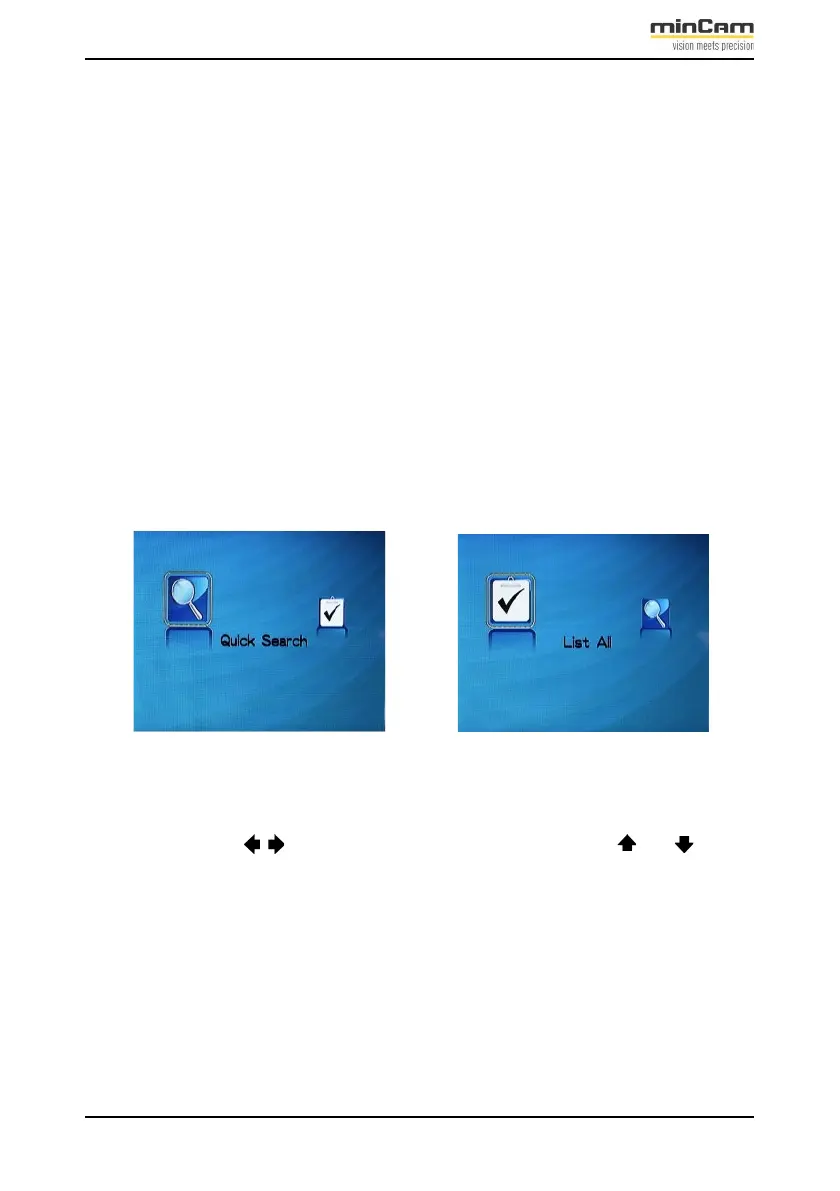
You can search for recorded files by date or the entire list.
Press the “PLAY“ button to select
Figure 2.15: Playback selection by date or via search function.
Use the arrow keys to select the previous or next file. Press or to get to the
top or bottom of the list. Confirm the selected file by pressing ”OK”.


 To Next Page