User Manual minCam360compact
®
®minCam GmbH, Bundesstraße 9, 87538 Fischen, Germany info@mincam.de
Version: March 2020, according to the technical state of the art at the time of publication, subject to alterations
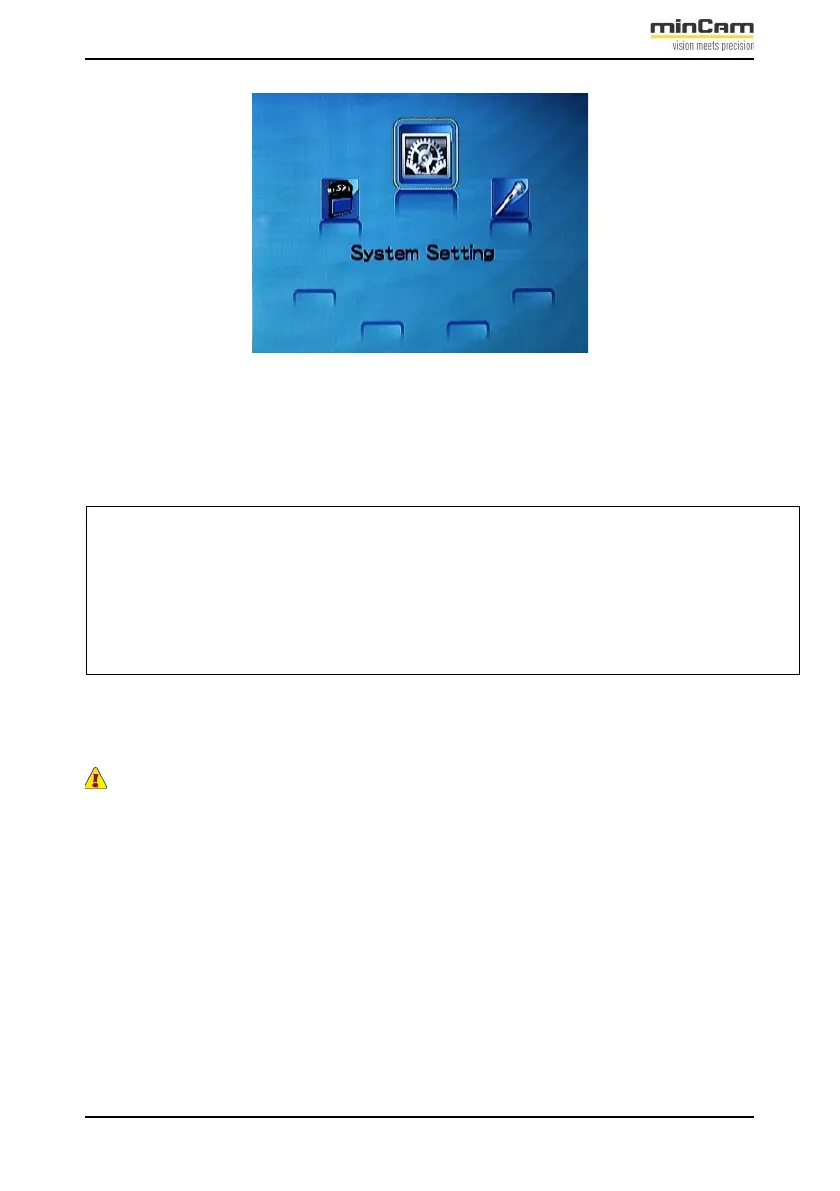
Figure 2.9: Menu: Settings
Select the menu:
“Settings“ with the “MENU“ button
Settings, format, position, colour
Table 2.2: Setting options for the storage unit
ATTENTION: Always select “MENU“ before removing the memory card.
2.2.4
Video
To record and save a video, proceed as follows:
1.
Start the video recording by pressing the ”REC” button.
As soon as the recording is
started, a red square appears in the upper left corner of the picture (when displayed
via the storage unit):


 To Next Page