7-14 Passport 8/12 Service Manual
7.5.5 Removing Sidestream CO
2
Module
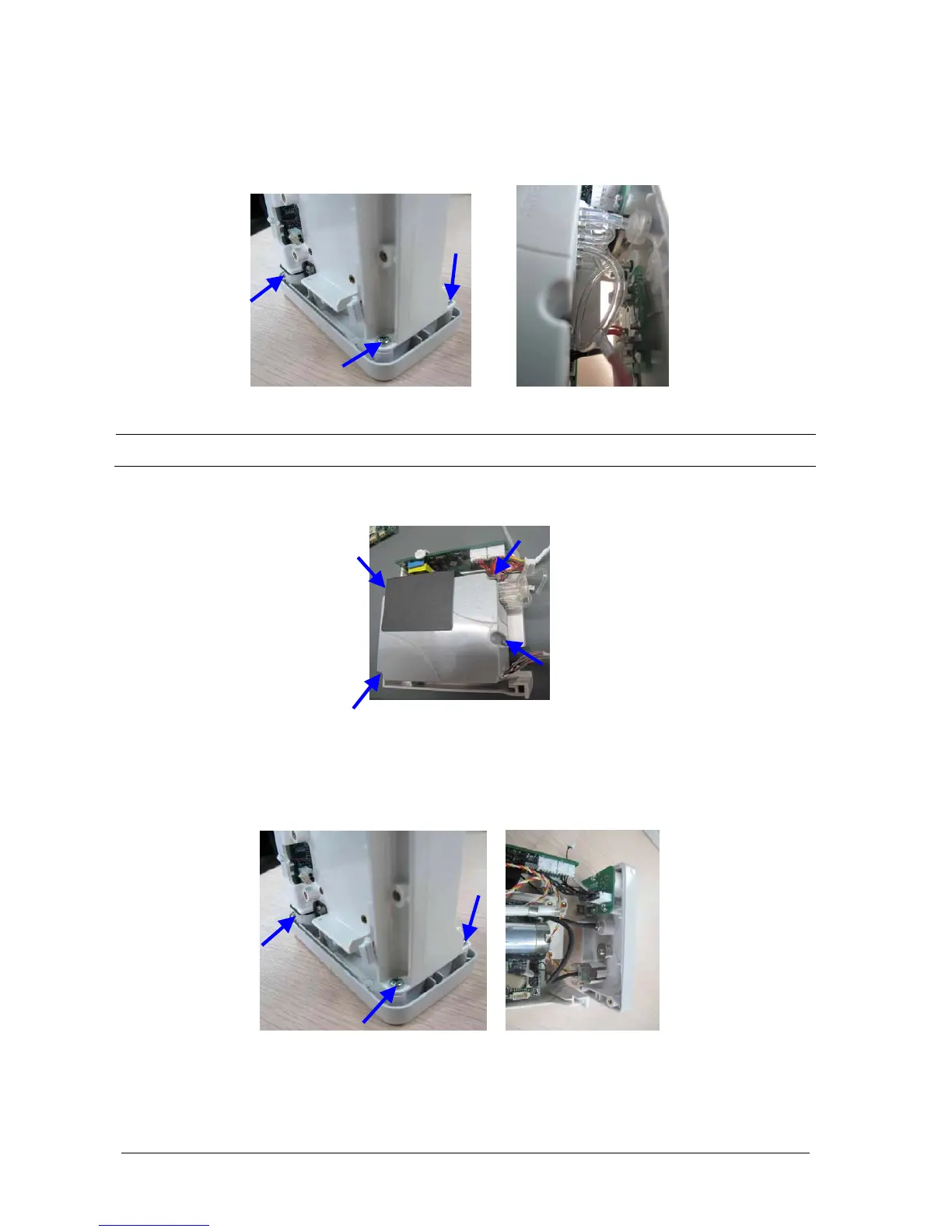
1. Unscrew the 3 screws that fasten the bracket and connector panel. Disconnect all the cables and tubing that
connect the bracket and connector panel. Then separate the connector panel and bracket.
NOTE
Manage the tubing properly during reassembly and make sure the tubing shaping smooth.
2. Unscrew the four screws that fasten the M02C module, and then take out the M02C module.
7.5.6 Removing Microstream CO
2
Module
1. Unscrew the 3 screws that fasten the bracket and connector panel. Disconnect all the cables and tubing that
connect the bracket and connector panel. Then separate the connector panel and bracket.



 To Next Page
 Loading...