English
1.2 Performing the Initial Start Up
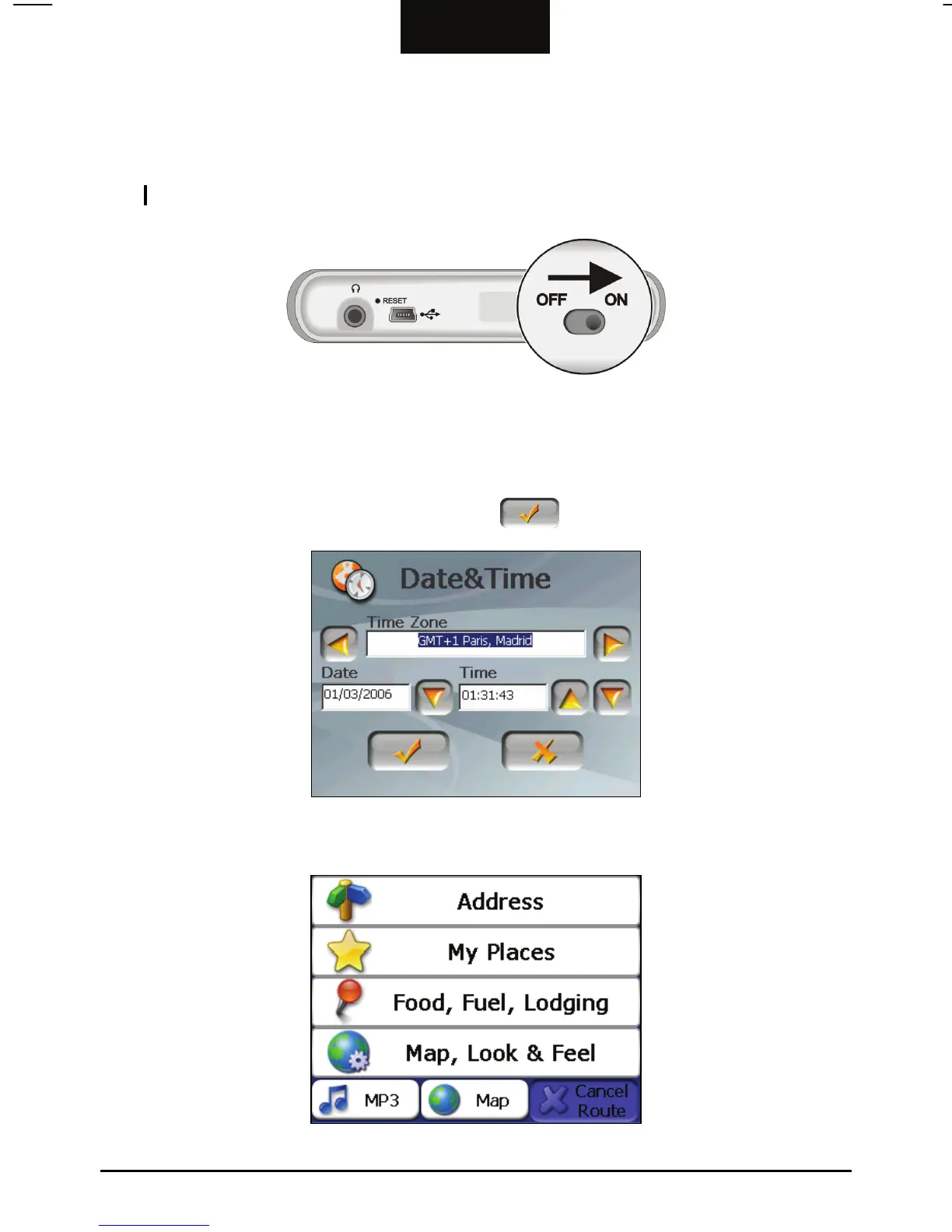
1. Using a pointed pen, slide the ON/OFF switch to the ON position.
CAUTION: Always leave the ON/OFF switch in the ON position for normal operation.
2. Your device will automatically turn on. Connect the AC adapter as described
in the next section.
3. The Date&Time screen appears. Tap the appropriate arrow button to select
the time zone, date, and time. Then tap
to continue.
4. The Main Menu appears as shown below. You can now use your device.
4



 To Next Page