English
3 Device Settings
You can customize the device settings such as backlight, volume, date and time.
Once you change the settings, your new settings will remain until you change them
again.
3.1 Using Device Settings
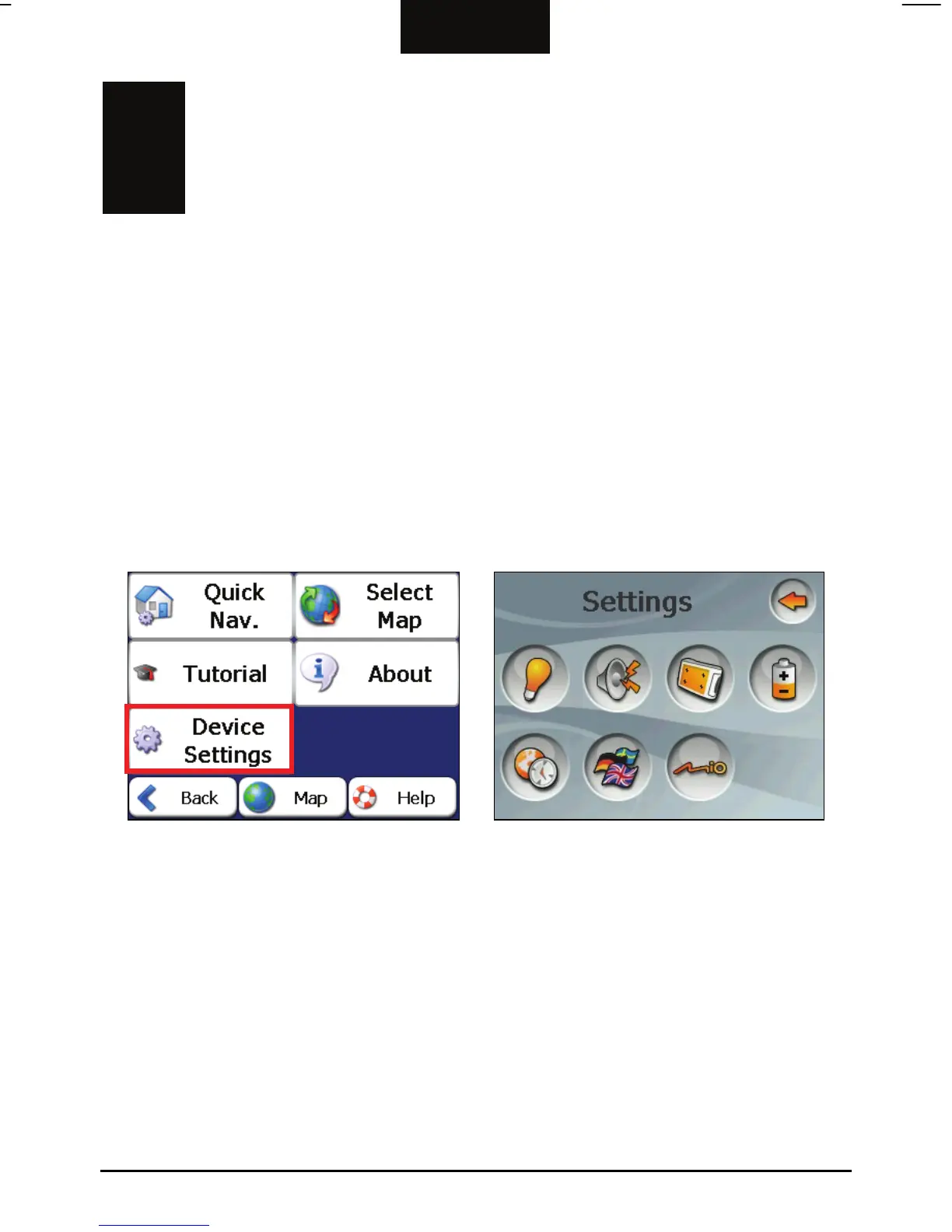
To open the Device Settings menu, first tap the Settings button from the My Places
or Map, Look & Feel
Device Settings Settings
menu.
menu and then tap from the second
Æ
The Device Settings menu appears as show
describe these buttons and their functions.
n above. The following sections
13



 To Next Page