English
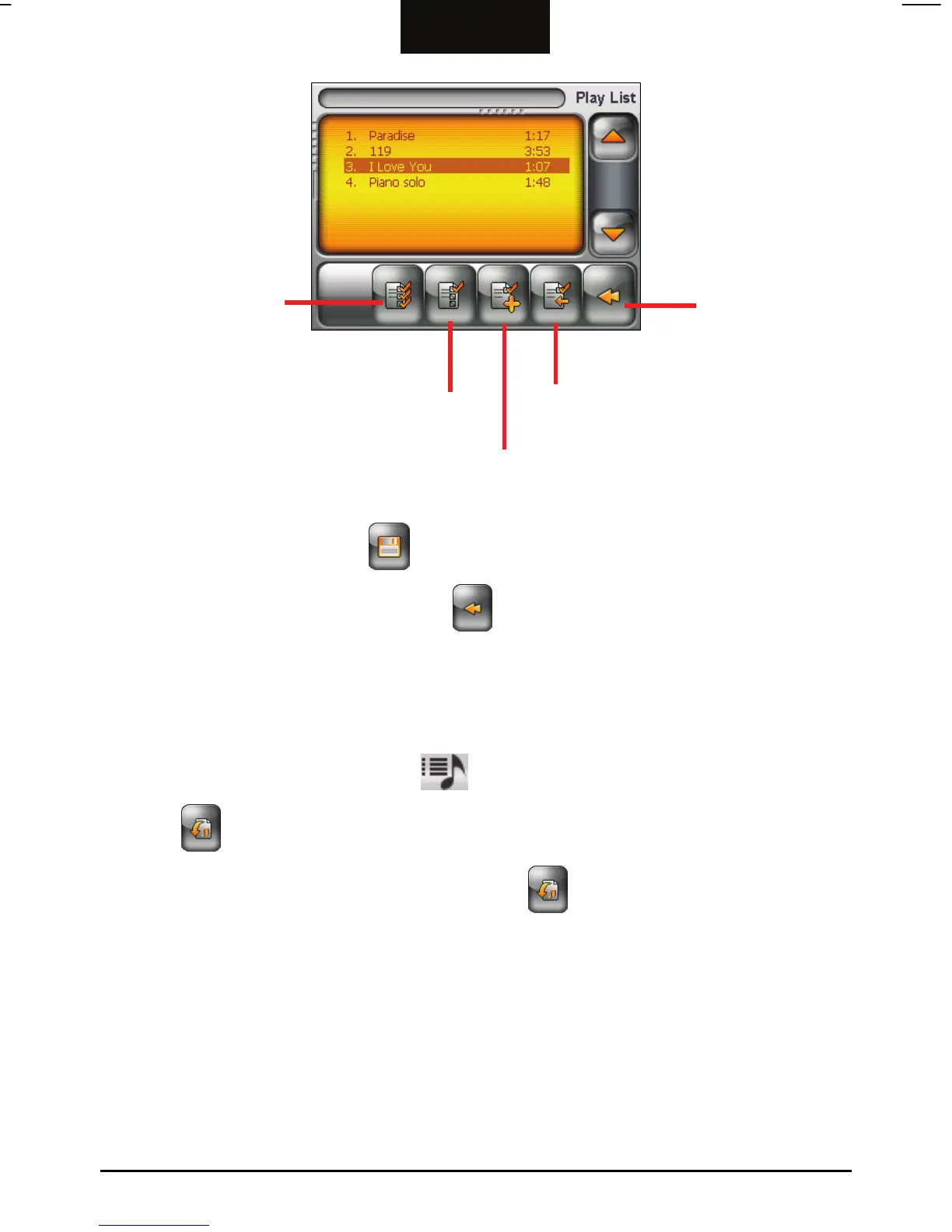
dd the selected song(s) to
the play list.
Deselect the
selected song(s).
Select all songs.
dd the selected song(s) to the play list
and return to the previous screen.
Back
3. Repeat the same procedure for the other songs to be added.
4. To save the play list, tap
and then Yes.
5. To return to the control panel, tap
.
Opening a Play List
To open one of the play lists that you have created:
1. After starting MP3 Player, tap
on the control panel.
2. Tap
to display all the play lists you have created.
3. Tap the play list you want to open and tap
.
25



 To Next Page