English
Using Mio Sync
CAUTION:
z Make sure that ActivcSync is installed before using Mio Sync.
z Mio Sync supports Microsoft Outlook 2000 and later versions only.
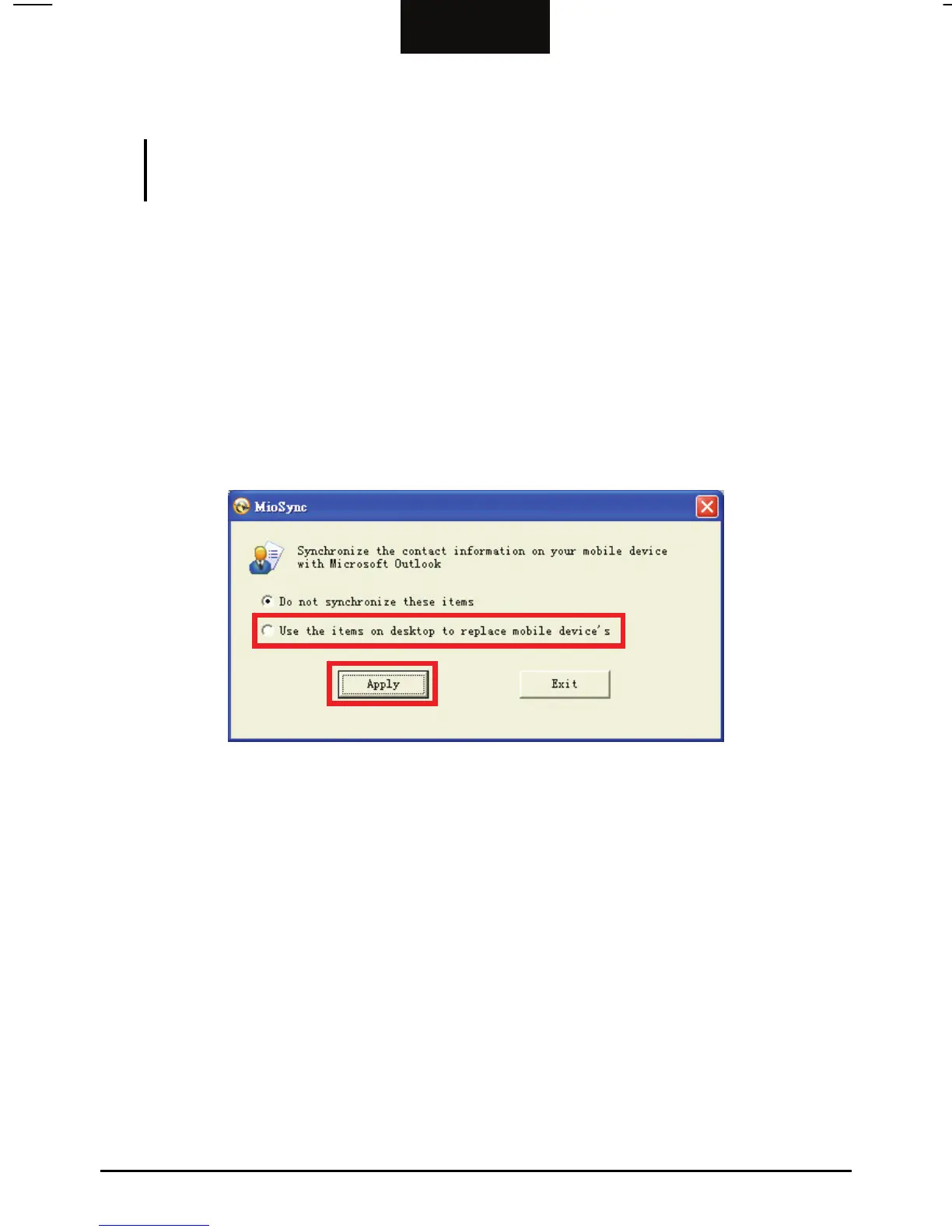
To copy Microsoft Outlook Contacts information from your computer to your
device:
1. Connect your device to your computer via the USB cable. Make sure that
ActiveSync is up and running.
2. Start Mio Sync by clicking the shortcut button on the Windows desktop.
3. Click
Use the items on desktop to replace mobile device’s.
4. Click
Apply.
34



 To Next Page