English
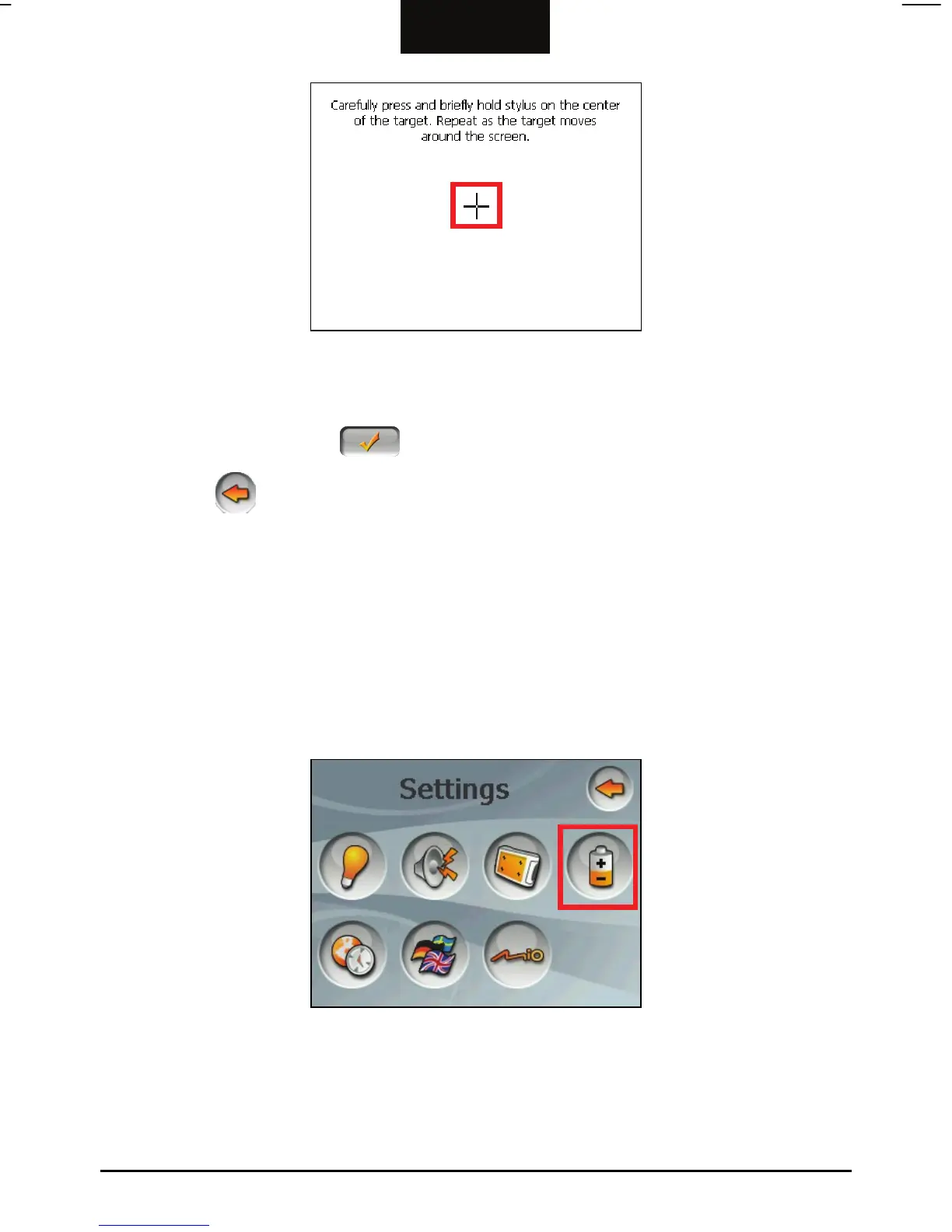
5. When the target moves to another position, tap and hold the centre of the new
target. Repeat each time to complete the calibration process.
6. When completed, tap button to return to the Device Settings screen.
7. Tap the
button to go back to the Settings screen.
3.5 Power
To check the remaining power level of your battery and/or set up the power saving
feature:
1. Tap the
Device Settings button on the Settings screen.
2. Tap the
Power button.
3. The screen shows the remaining power of your battery.
17



 To Next Page