English
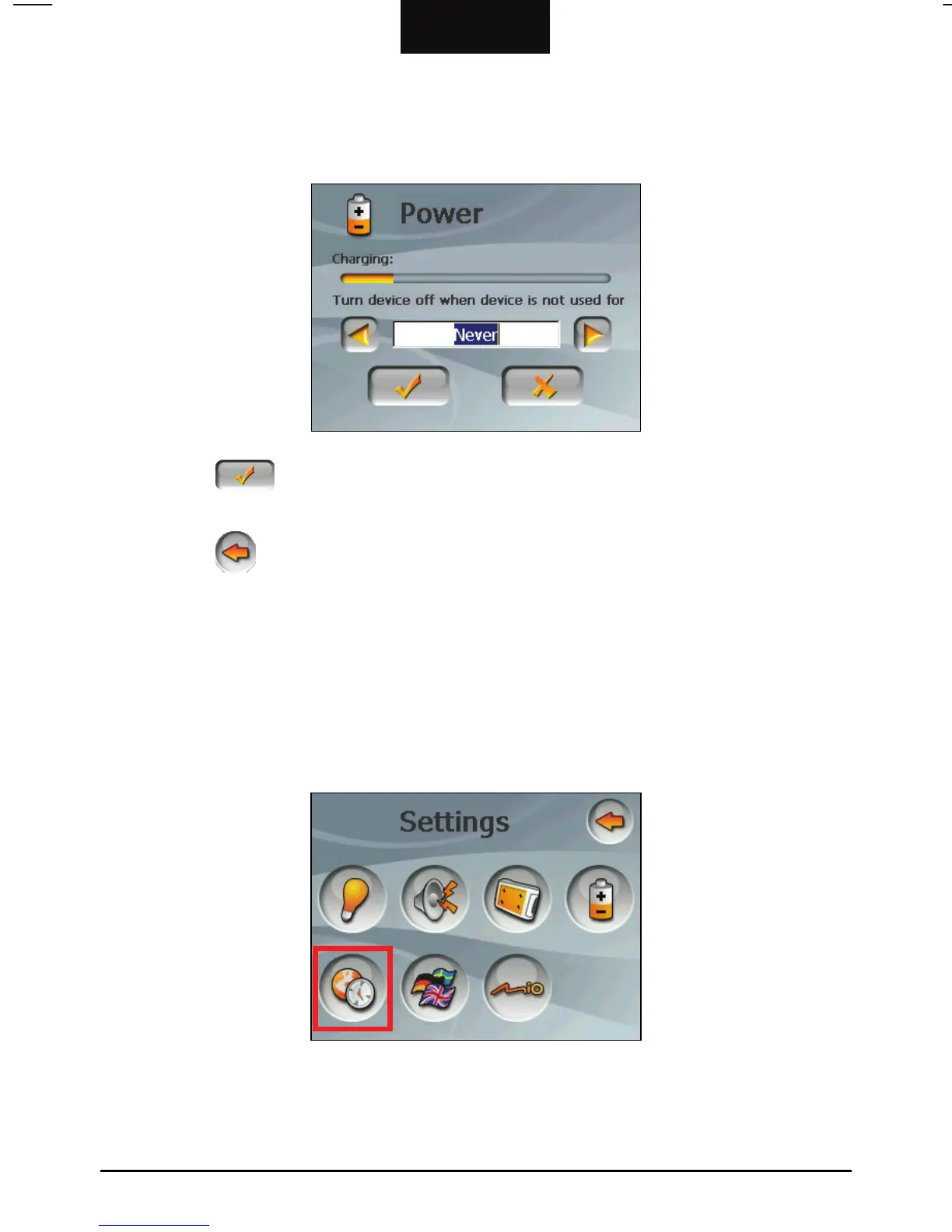
You can set a timer to automatically turn off your device when it is idle for a
set period of time. The options include Never, 30 minutes, 20 minutes, and
10 minutes.
4. Tap the
button to save the changes and go back to the Device Settings
screen.
5. Tap the
button to go back to the Settings screen.
3.6 Date&Time
To set the date and time:
1. Tap the
Device Settings button on the Settings screen.
2. Tap the
Date&Time button.
3. To change the time zone, tap the left/right arrow in the Time Zone item.
18



 To Next Page