English
3.7 Switch Language
NOTE: To change the language of the Mio Map navigation software, use Settings of Mio
Map. (See section 6.5 for information.)
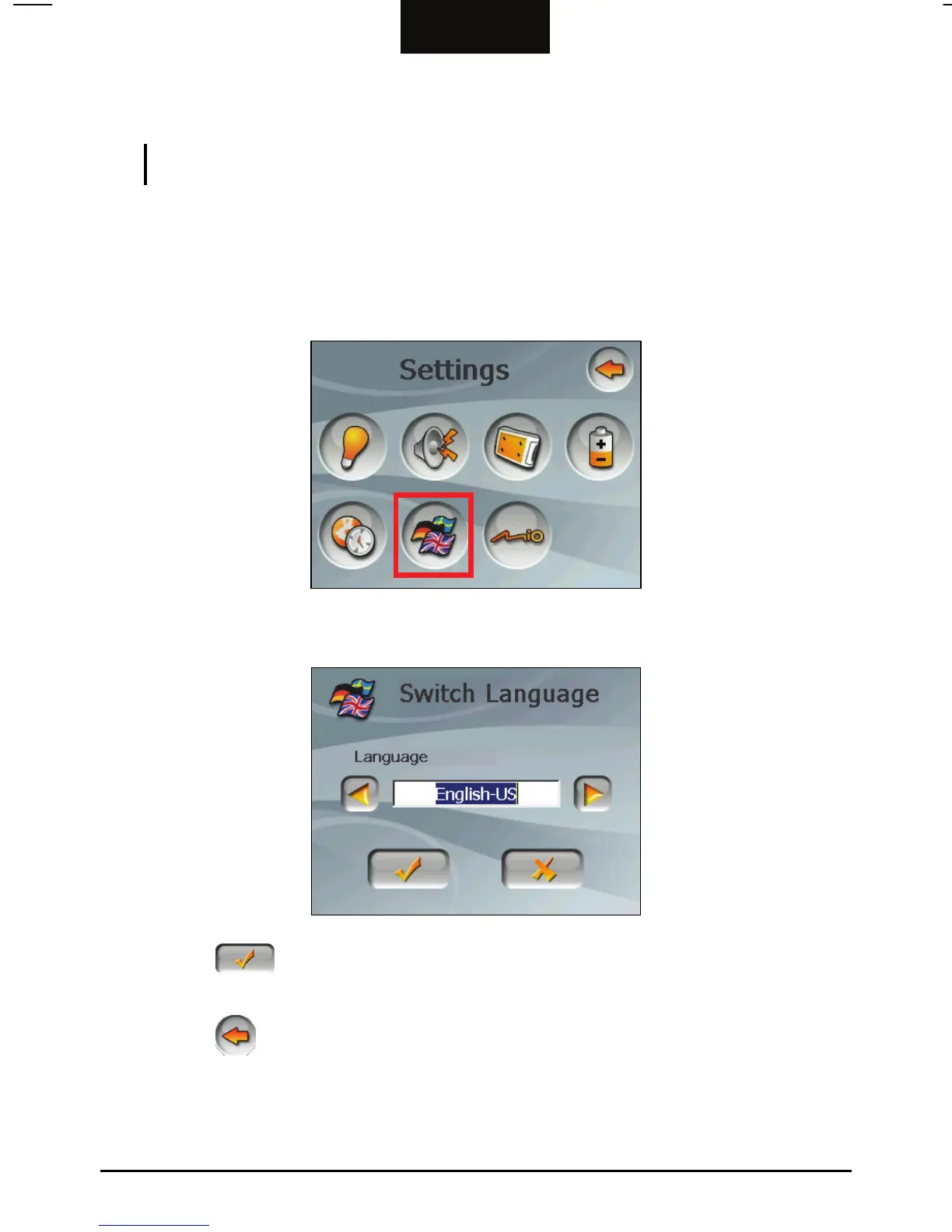
To change the language for Device Settings and MP3 Player menus:
1. Tap the
Device Settings button on the Settings screen.
2. Tap the
Switch Language button.
3. Tap the left/right arrow button to select the desired language.
4. Tap the
button to save the changes and go back to the Device Settings
screen.
5. Tap the
button to go back to the Settings screen.
20



 To Next Page