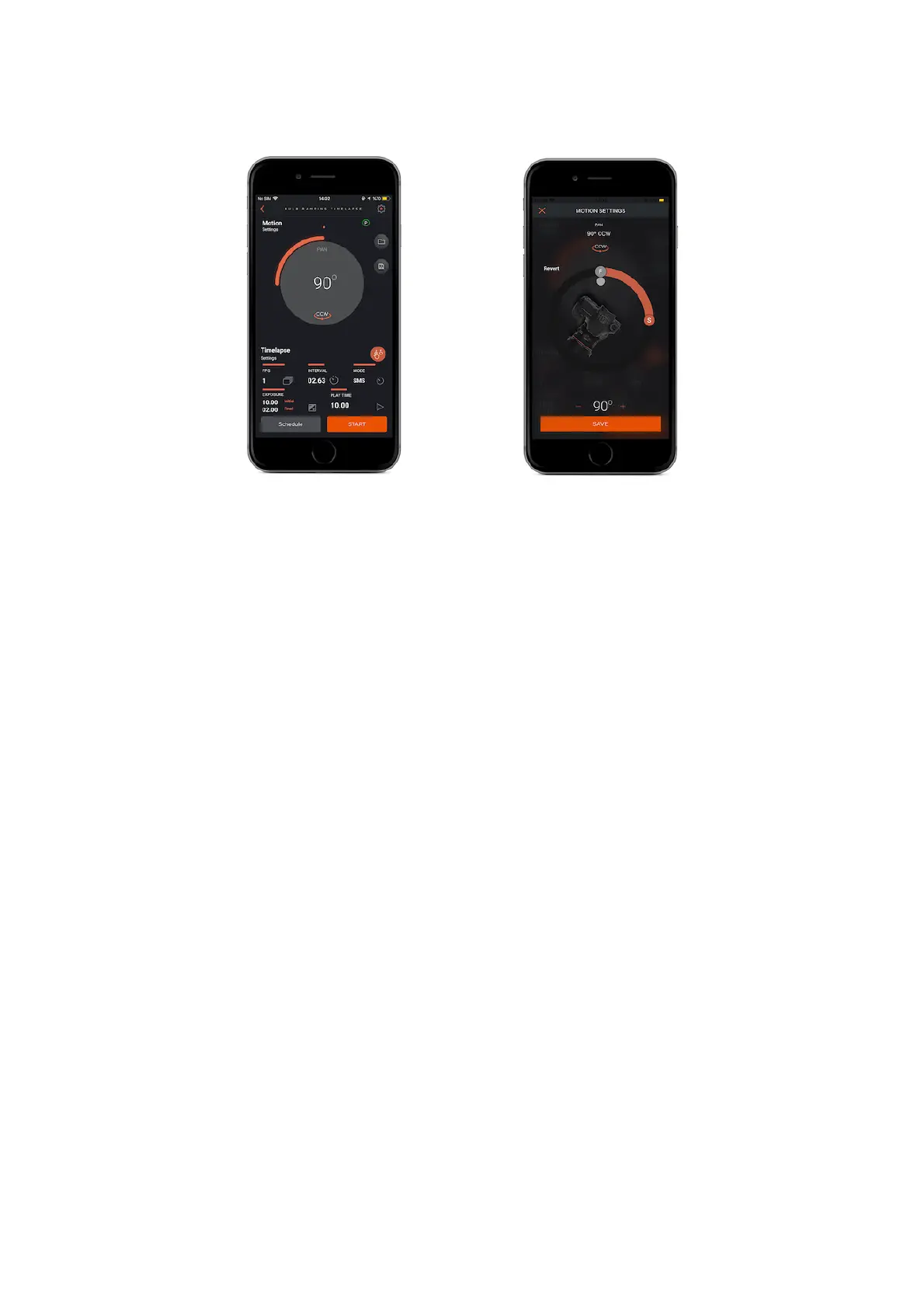
Interval : This parameter defines the duration between each frame. The Interval
can have a value from 13 milliseconds up to 100 hours.
Initial Exposure : This value defines the initial exposure value for each photo. You
can set a custom exposure up to 100 hours in milliseconds.
Final Exposure : This value defines the final exposure value for each photo. You
can set a custom exposure up to 100 hours in milliseconds.
Frames Per Second (FPS) : This parameter defines how many pictures are to be
taken in one second. If you set the frame number to 0, this will mean that the
time-lapse will continue until you stop it.
Play Time : Enter the total time value of final video which you want to create.
Mode : There are two shooting mode which you prefer such as “Shot move to
shot” and “Continuous” mode.
Shot move to shot mode
When Capsule360 is turning around it pauses to take a shot. After the camera takes
the shot Capsule 360 starts turning again.
Continuous mode
Capsule360 can take a shot when it is moving.



 To Next Page