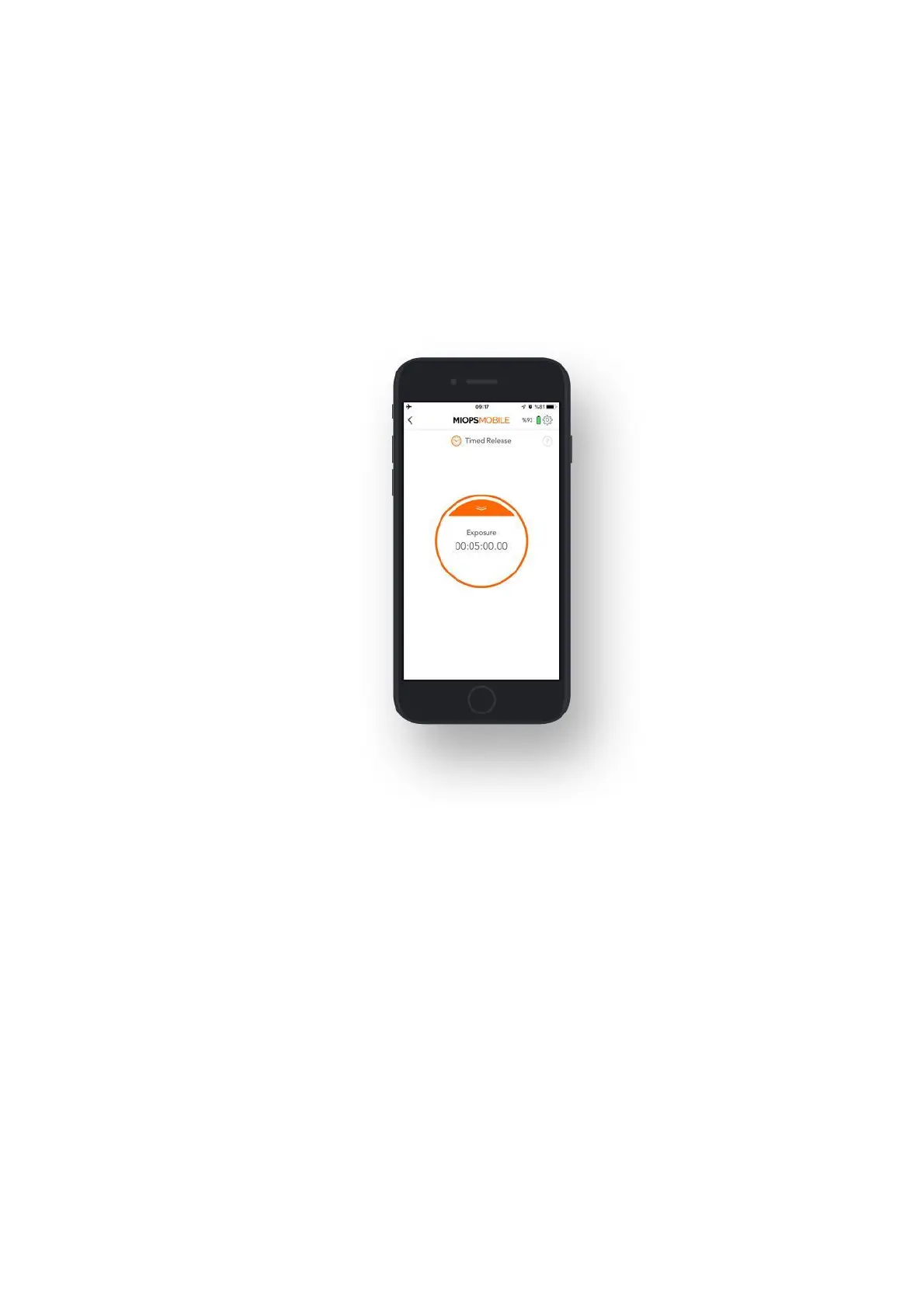
9.1.d. Timed Release:
The Timed Release mode is the perfect solution if you want to control the shutter
with great precision. This mode has a single parameter:
Exposure: This parameter controls the exposure in hours, minutes, seconds and
milliseconds. In order to change the parameter, touch the exposure value and a
numeric keypad will appear. You can type in the desired exposure value and then
touch anywhere outside of the circle. The new exposure value will be shown in the
circle. Touch the notch on top of the circle and then pull the curtain down. You
can start the exposure by touching the orange button again.
9.1.e. Self Timer:
The Self Timer mode enables you to trigger the camera after the timer goes off. It
has a single parameter:
Timer: This parameter is used to set a timer up to 100 hours in milliseconds. When
the timer goes off, the camera will be triggered once.
The Self Timer mode does not have any exposure parameter. It will only trigger the
camera for pulse length duration. When you start the timer, a circle will appear at
the bottom of the screen. The circle will show the progress of the time and it will
count down from the timer value.



 To Next Page