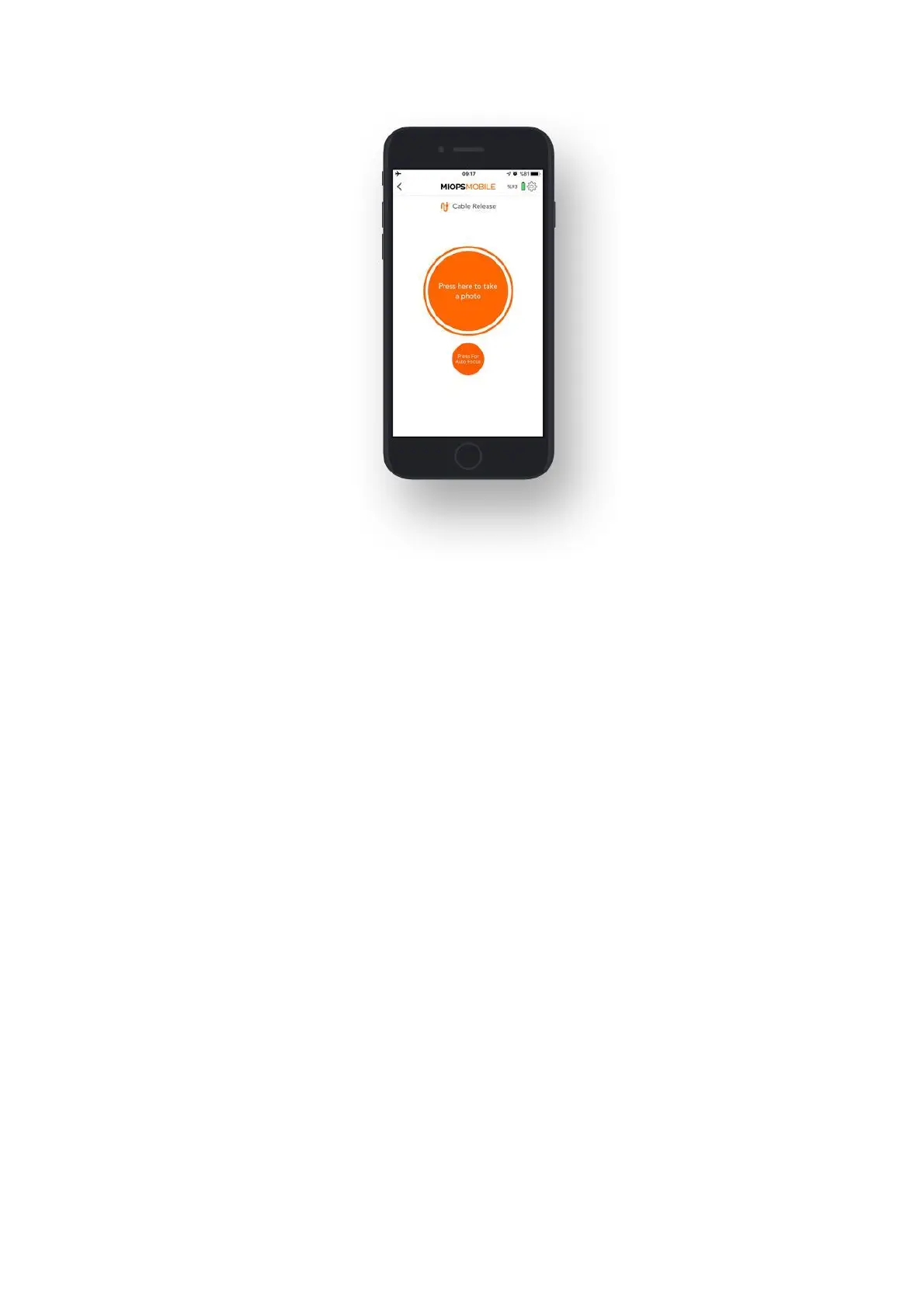
9.1.b. Press & Hold:
The Press & Hold mode has a level of flexibility by keeping the shutter open as long
as you keep your finger on the button. This way, you are not limited to the pulse
length. When you touch the button, a counter will start at the bottom of the
screen. You can count how many seconds/milliseconds have passed. The shutter
will close when you release the button. Again, in order to control the shutter with
this mode, the camera must be in BULB mode.



 To Next Page