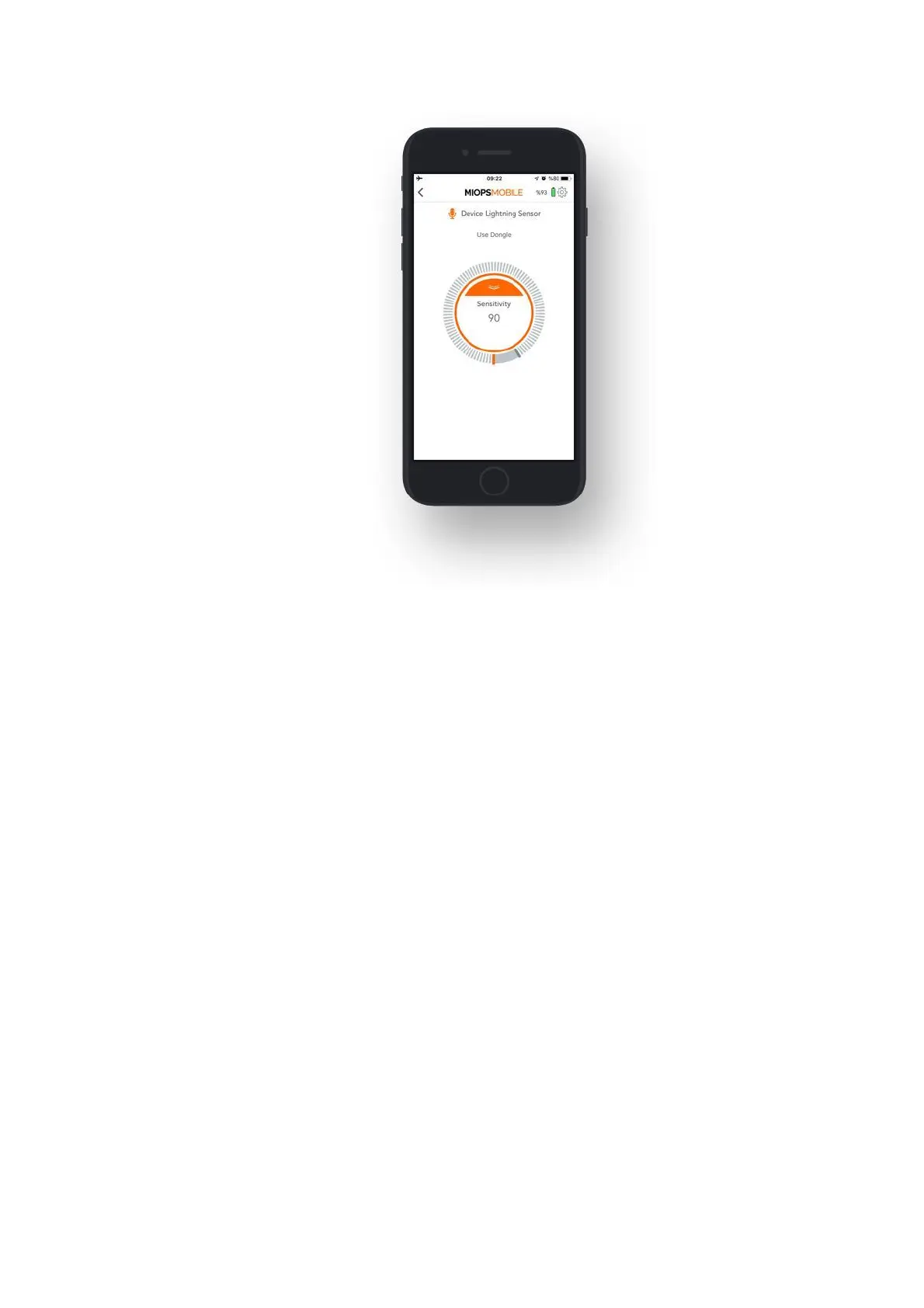
9.4.b. Sound:
The Sound Mode uses the internal microphone to detect sound events. It has three
parameters:
Sensitivity: This value determines the sensitivity of the device. The higher the
value you set, the more sensitive it will be. You can move the threshold bar around
the button by touching the grey bar.
Delay: This parameter defines the duration between the detection of the sound
and the triggering of the camera. You can define the delay anywhere from 0 up to
999 milliseconds.
Mode: You can select one of the two possible modes. The modes are the
“Continuous Shot” and the “Single Shot”. In the “Continuous Shot” mode, it will
trigger the camera each time a sound event is detected. This can cause multiple
pictures to be taken or multiple triggering of the flash. If you don’t want this to
happen, you can select the “Single Shot” mode. In this mode, it will trigger the
camera only once, and then it will stop. You will need to start the sound mode
running again to take another picture.
In the sound mode, the distance between your sound source and the device can
make a difference. Due to the propagation speed of the sound, you may want to
bring the device closer to the sound source.



 To Next Page