9.3.c. Motion:
The Motion Mode uses the camera of your smartphone to detect motion in the view
area. You can aim the camera to the area that you want to observe. When a
motion is detected, it will trigger your camera or flash. This mode has three
different parameters.
Accuracy (Sensitivity): Just below the video screen, you will see horizontal
adjustment scale. You can move the grey bar on the scale to the right or left to
determine the sensitivity. If you move the bar to the right, the sensitivity will be
increased. In this case, you will be able to detect motion events that are further
away from the smartphone. If you move the bar to the left, the sensitivity will be
decreased. If you do this, you will be able to detect motions that happen in an area
which is relatively closer to the smartphone.
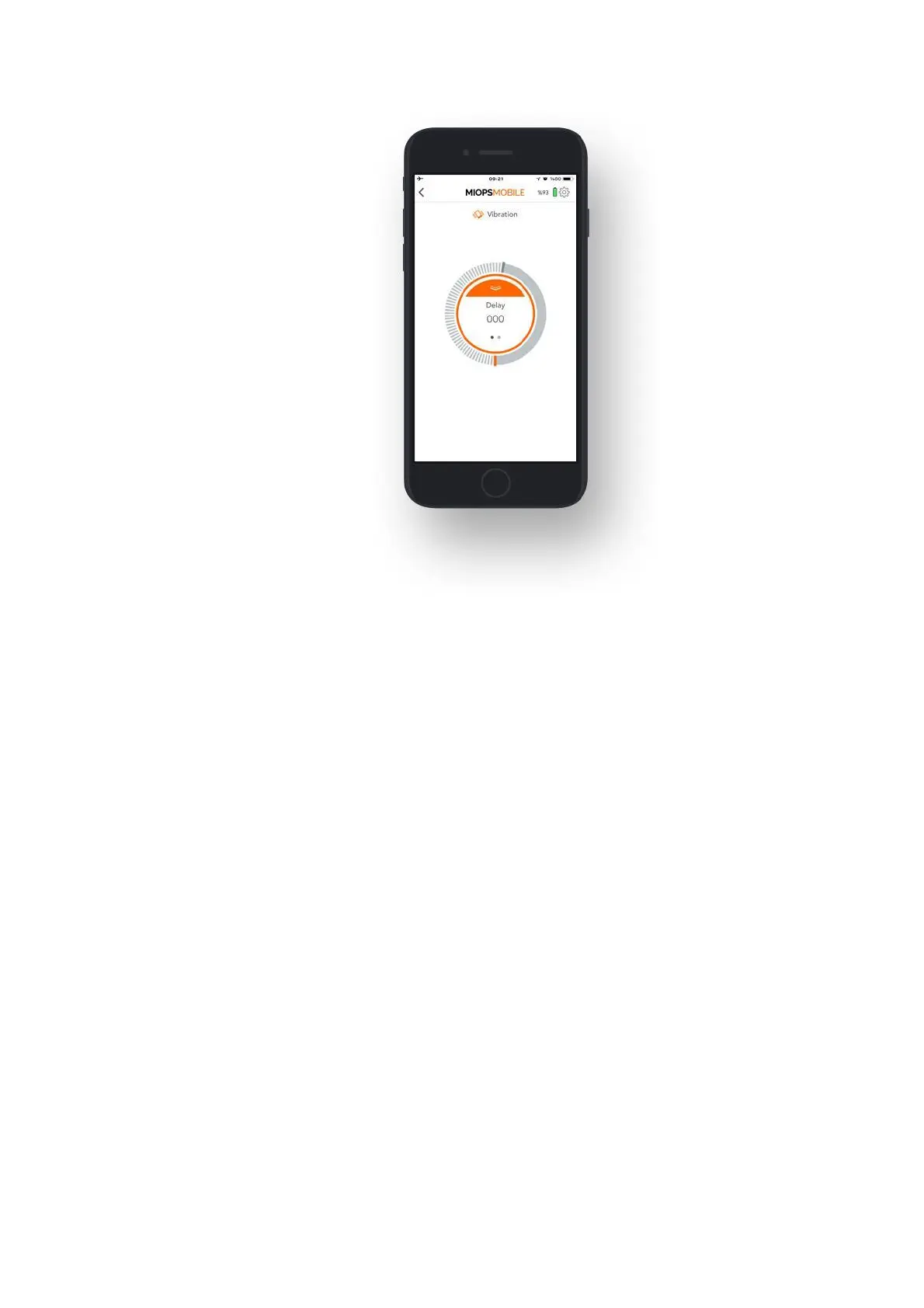
Delay: It determines the duration between the motion and the triggering of your
camera. You can define the delay anywhere from 0 up to 999 milliseconds.
Frame: This parameter defines how many pictures to be taken in case motion is
detected. Once a motion is detected, it will trigger the camera for so many times
defined with the Frame parameter. You can set the frame the number all the way
up to 99999.



 To Next Page