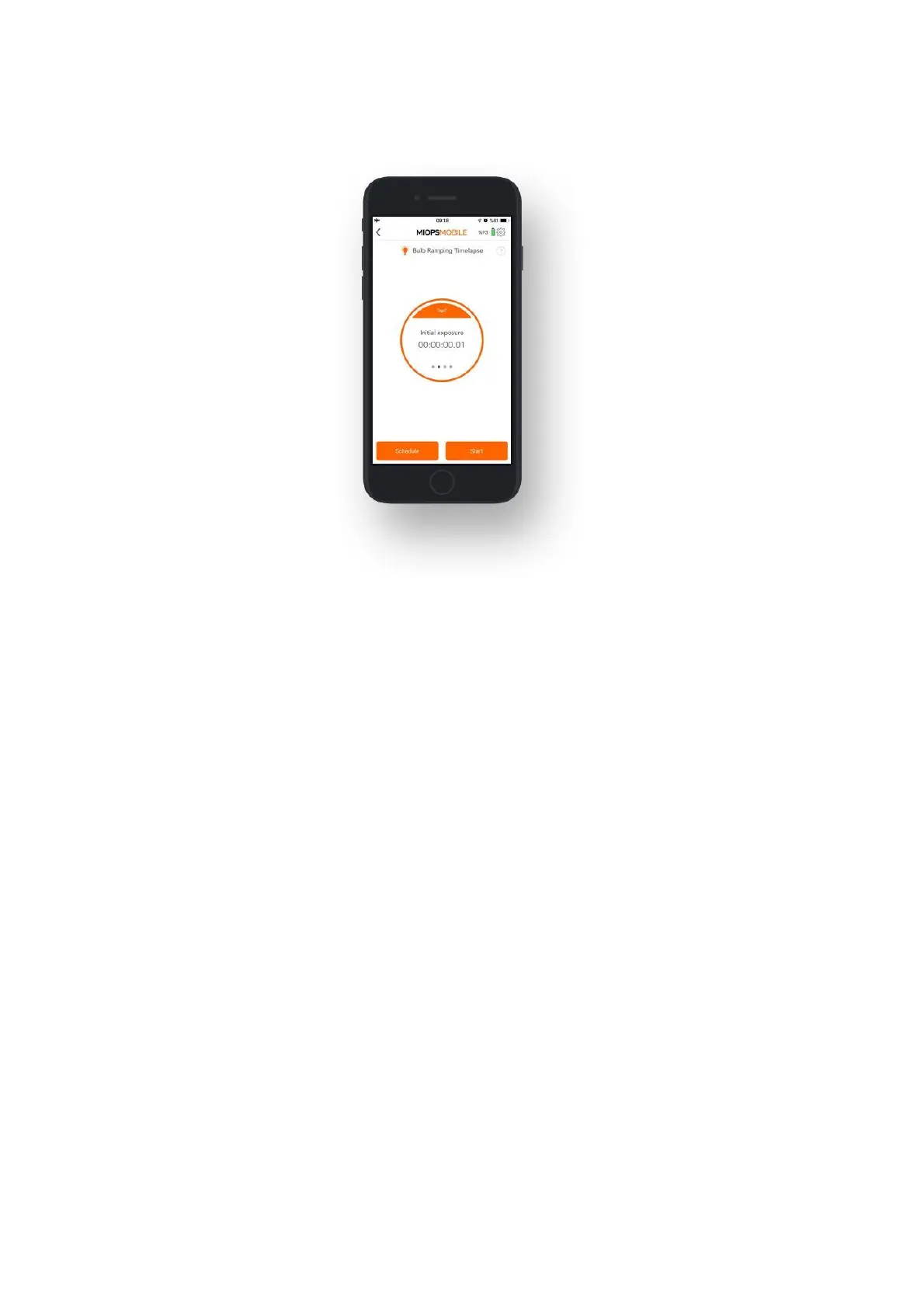
After you have set all parameters, you can start the process by pulling the notch on
the button down and then touching the orange button.
9.2.d. Road Lapse:
The Road Lapse mode uses GPS data from your smartphone. It takes a picture
automatically each time you pass the set distance with your vehicle. The distance
unit can be either Meters or Feet. You can set the distance unit under the Settings
menu. This mode has two parameters, Distance and Frame.
Distance: This parameter specifies how much you need to travel before triggering
the camera gain. You can set any value from 1 to 99999 in meters or feet. Please
note that the GPS data of smartphones have a certain level of accuracy. This
usually ranges about 10 to 20 meters. This can also change from phone to phone.
So, if you set this value to a very low distance, the mode might not work as
expected. The distance must be coordinated with the accuracy of your smartphone
and the speed of your vehicle.
Frame: This parameter specifies how many pictures need to be taken. You can set
the value anywhere between 1 and 99999.
After you have set the parameters, you can pull the notch on the button and then
touch the button to start the process.



 To Next Page