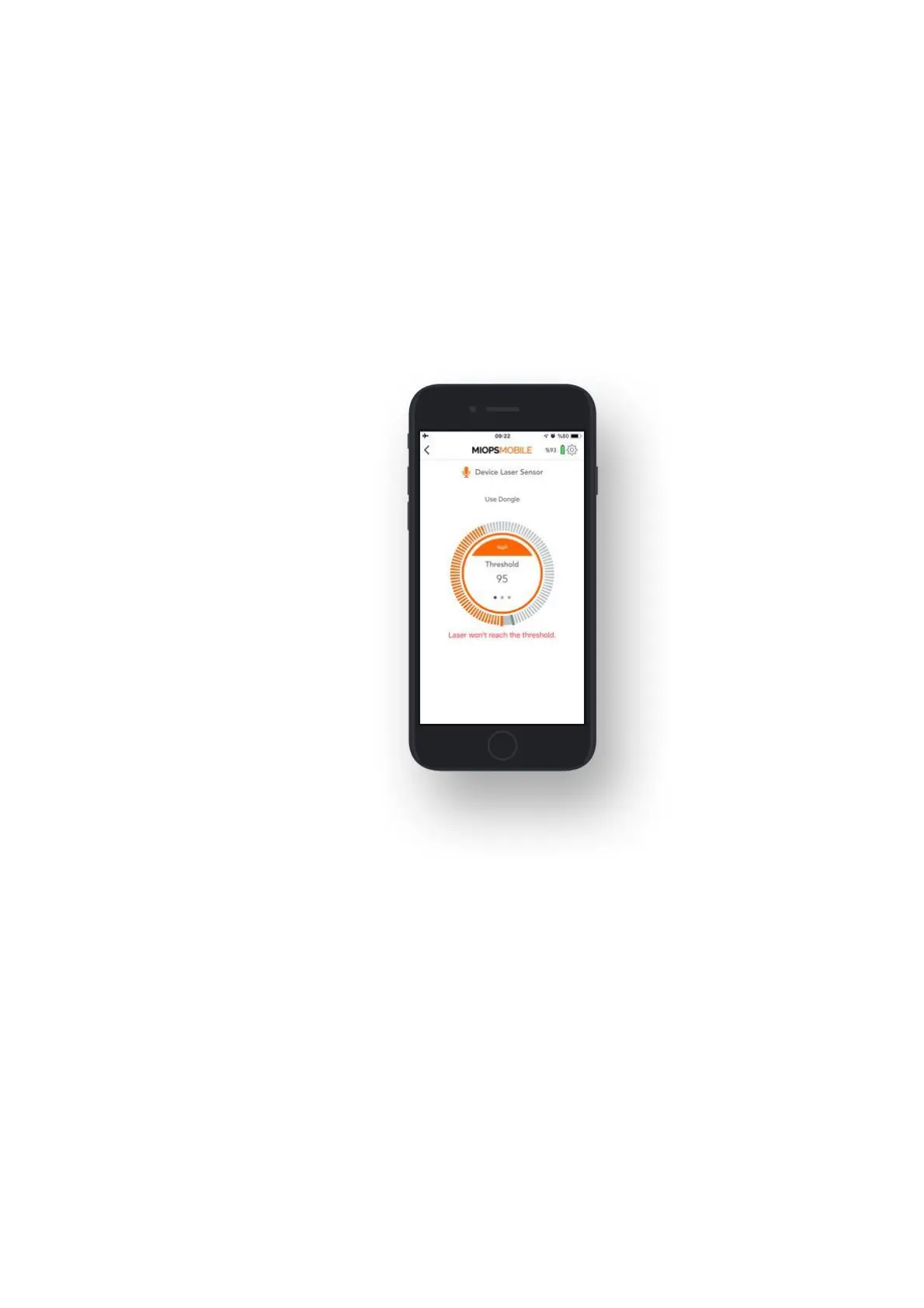
The laser beam must hit the lens on the window. A slight movement of the laser
source can move the beam away from the receiver, so make sure that both the
laser source and the device are firmly mounted on a steady stand. After you have
firmly mounted the laser source and the device, if the laser beam is correctly
aligned to the receiver, the message on the screen will turn from "Laser won't
reach the threshold" to "Laser trap ready". Seeing a constant "Laser trap ready"
message on the screen is the first condition of the laser mode.
WARNING: Please take every possible safety caution while you are working with a
laser. Never point the laser to your eyes, other people and animals.
10. SETTINGS:
You can use Settings menu to change application related or device related settings
or to get information.
Device Name: This parameter shows the name of your device. Default name is
MIOPS Smart+ for all devices. You can assign a different name to your device by
clicking this parameter.
Serial Number: This parameter shows the serial number of your device.
Check Firmware Upgrade: This button is used to check if there is a firmware
available.
Pulse Length: This parameter is used to determine the pulse length of each
trigger signal for those modes which don't have an exposure parameter.
Distance Unit: This parameter is used to determine the distance unit for Roadlapse
mode. It can be either "Meters" or "Feets".



 To Next Page