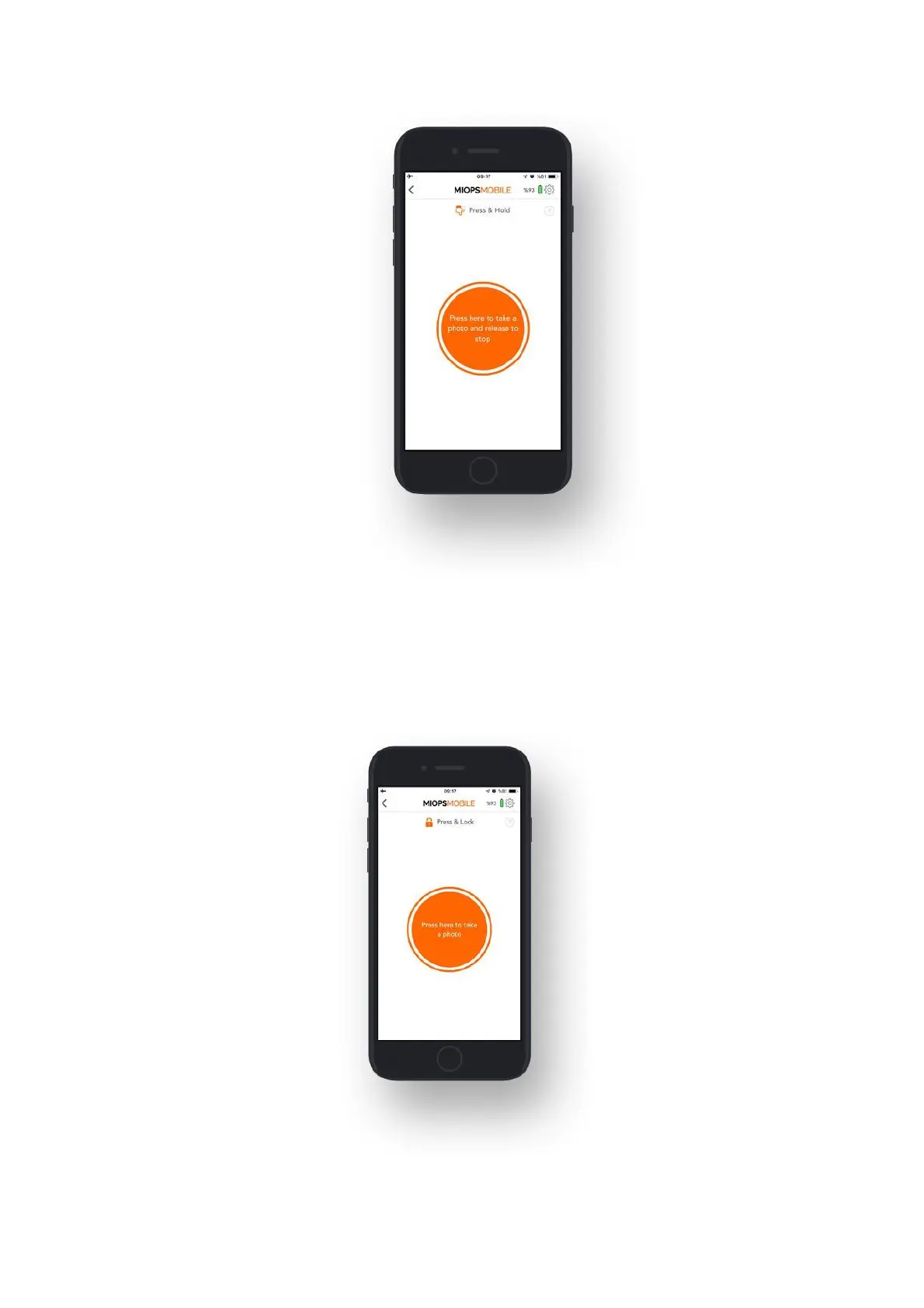
9.1.c. Press & Lock:
The Press & Lock mode is designed for long exposures. If you do not want to keep
your finger on the screen all the time, you can use this mode. The shutter will open
with a touch on the button and it will stay open until the next touch. When you
touch the button, a counter will start at the bottom of the screen. The camera
must be in BULB mode to have flexible exposure.



 To Next Page