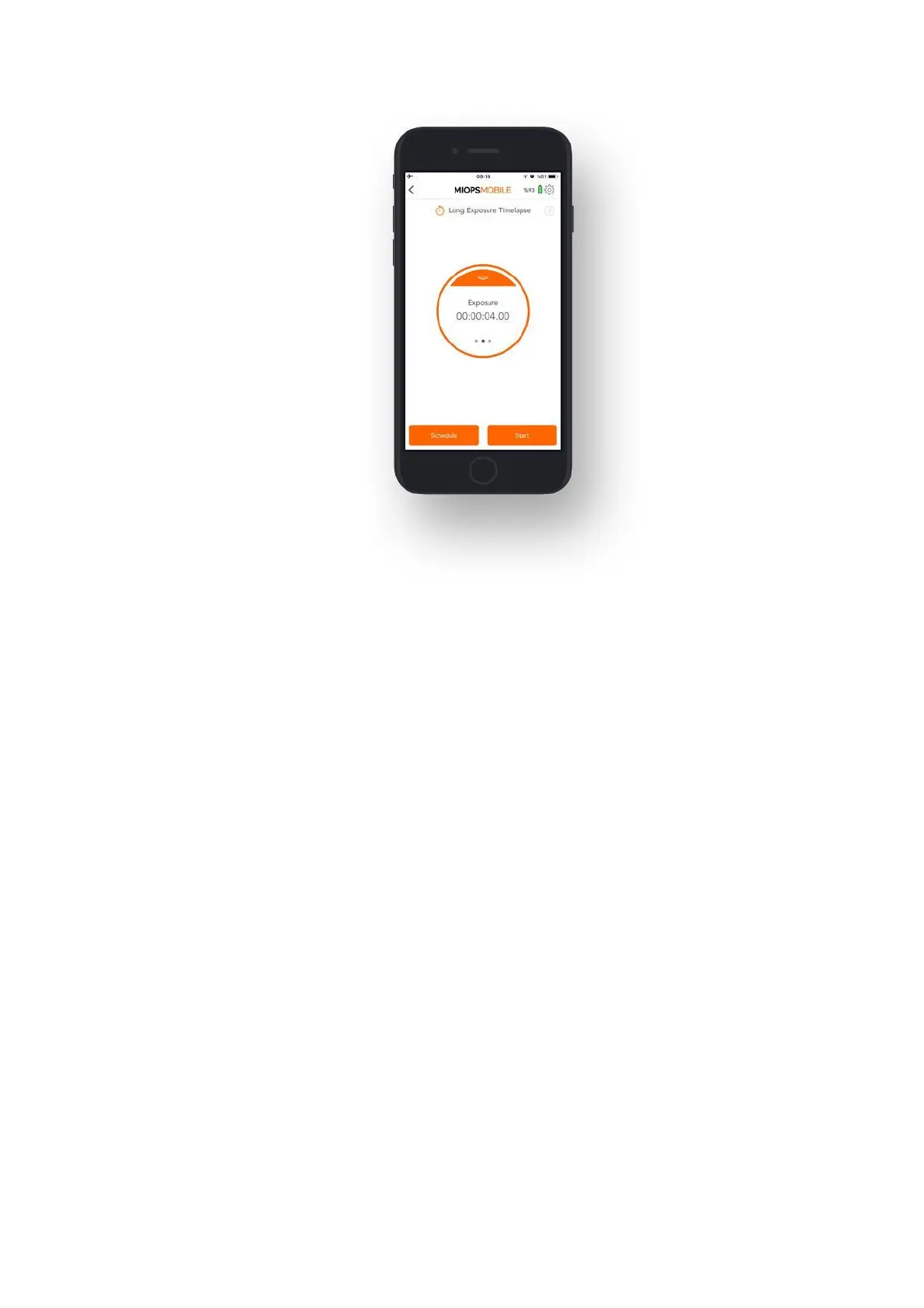
9.2.c Bulb Ramping Timelapse:
The Bulb Ramping Timelapse mode gives you the opportunity to take time-lapse
photos with changing exposures. In regular time-lapse modes, all of the pictures
will have the same exposure. This can be enough for some cases, but sometimes
the light changes throughout the whole photo taking process. The exposure needs
to be adjusted accordingly to avoid too dark or too bright pictures. Bulb Ramping
Timelapse mode takes care of that.
Interval: This parameter defines the duration between each frame. The Interval
can have a value from 13 milliseconds up to 100 hours.
Initial Exposure: This value defines the initial exposure value for each photo. You
can set a custom exposure up to 100 hours in milliseconds.
Final Exposure: This value defines the final exposure value for each photo. You
can set a custom exposure up to 100 hours in milliseconds.
Frame: This parameter defines how many pictures are to be taken. You can set the
frame number up to 99999. If you set the frame number to 0, this will mean that
the time-lapse will continue until you stop it.
The process starts with Initial Exposure. With each frame, the exposure will be
changed towards the final exposure linearly. At the final frame, the picture will
have the final exposure. In order to be able to create custom exposure, the camera
must be in BULB mode; otherwise, all of the pictures will have the same exposure.
The exposure value can have an ascending or descending change. This depends on
the initial and final exposure values. The change of exposure will be the same
between each frame.



 To Next Page