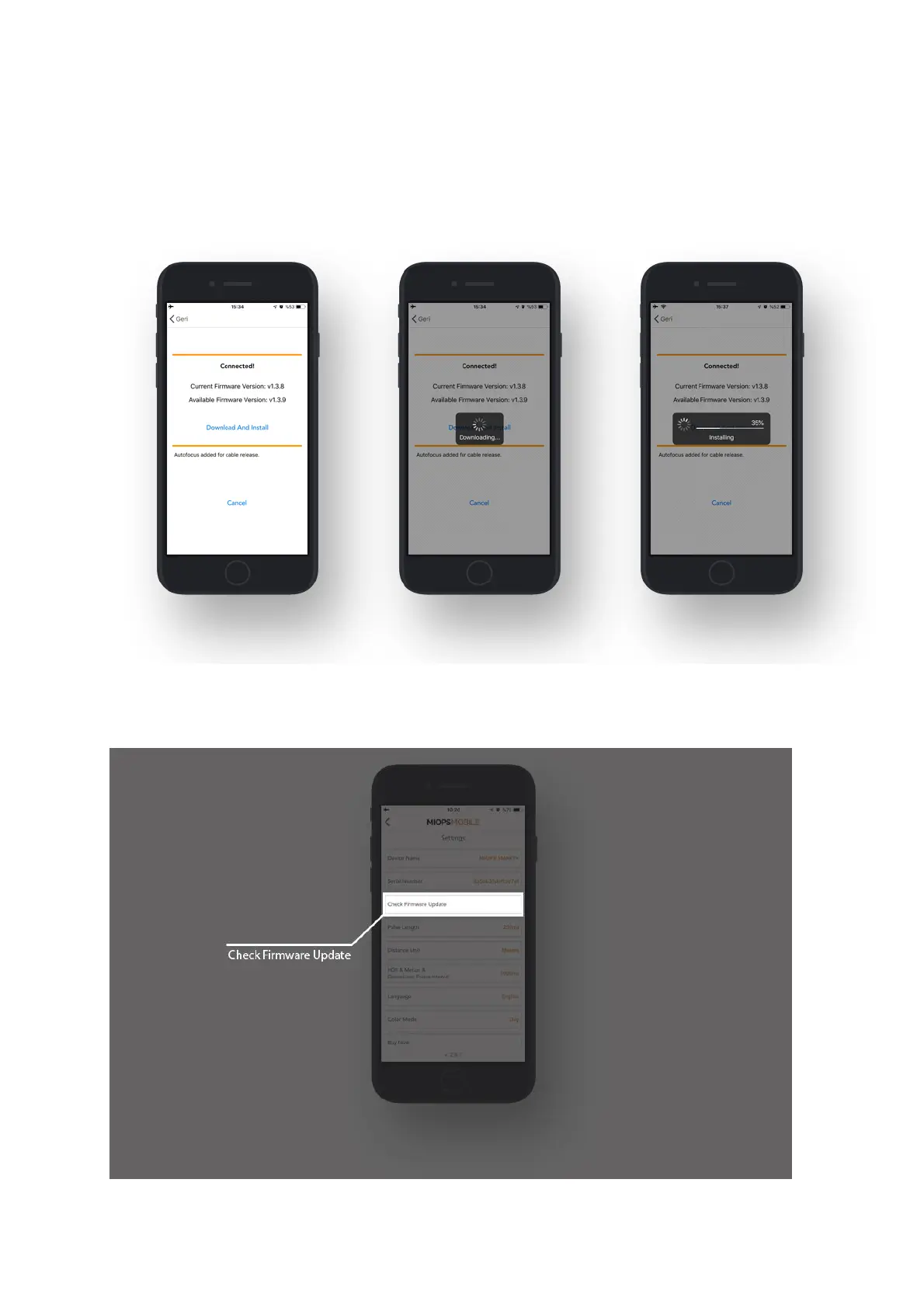
When you click "Update" button, you will be asked to put your device to upgrade
mode. In order to put your device to upgrade mode, you should turn your device
off, then turn it back on while holding down the UP button.
After clicking to Ready button, the firmware upgrade process will start
immediately.
You can also use "Check Firmware Update" option in the Settings menu to check
manually if there is a new firmware available.



 To Next Page