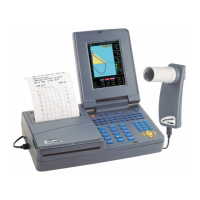
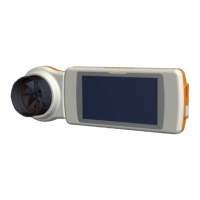
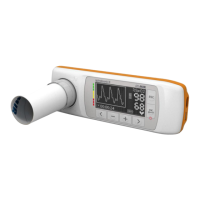
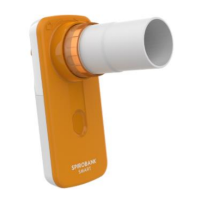
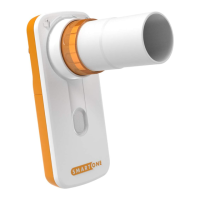
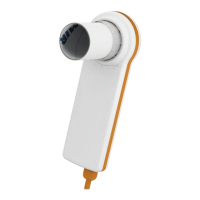
CHECKS ON MAIN CASING OF THE ASSEMBLED DEVICE
Table 2
Check that the temperature corresponds to the BTPS*
Temperature equal to thermometer
reading +/- 1 °C
Set time and date (see User Manual)
The set parameters must remain as
configured
Carry out search for enabled devices
Device shoulb be recognized by the
PC used
switch on the device and leave it for 6 minutes
After 6 minutes the device switches off
Switch on the device and check screen shots
All pixels must work correctly
* The BTPS appears on the printout of a spirometry test


 To Next Page