31
OPERATION
OFF
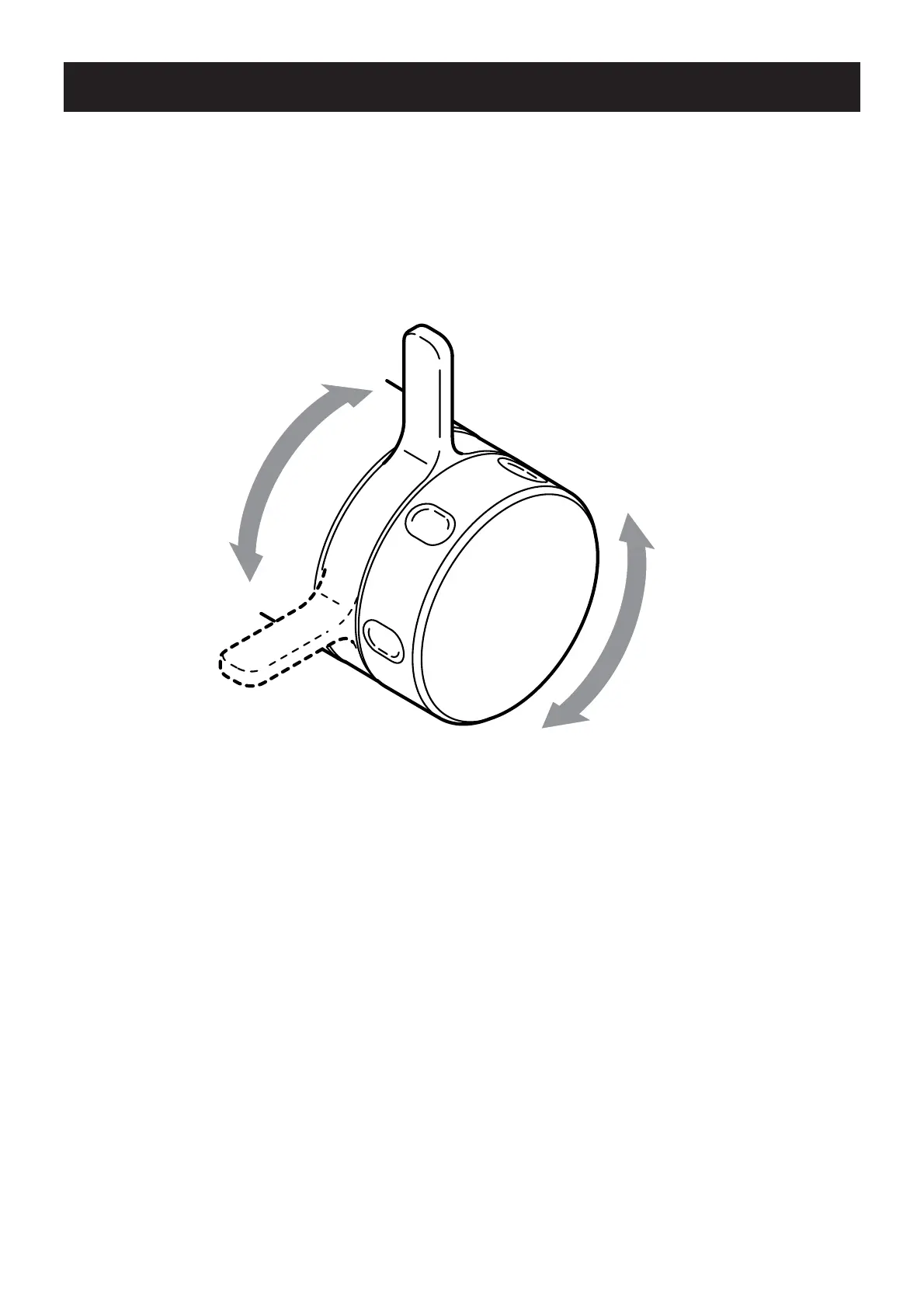
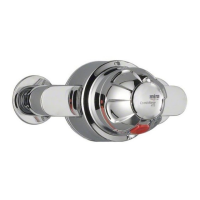
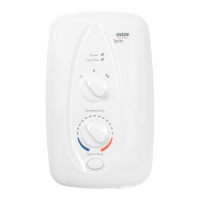
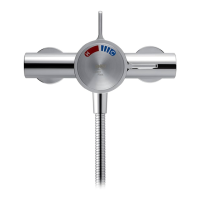
Turn the Temperature
Control Handle clockwise to
decrease the temperature and
anticlockwise to the preset
maximum temperature
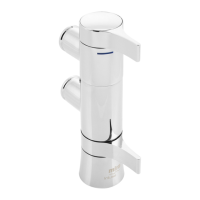
Turn the Flow Lever
anticlockwise to the preset
maximum fl ow
Caution! Do not force the Temperature Control Handle. If the desired temperature
cannot be achieved, refer to the section “Commissioning” for maximum temperature
adjustment.
ON
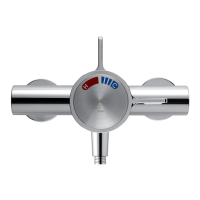
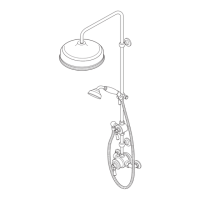
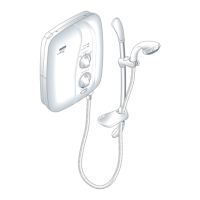
Shower Control (Exposed and Built-in Controls)
Note! The shower performance may be affected if other water appliances are
operated whilst the shower is in use.


 To Next Page