数码效果
Voices and Effects
什么 是数 码效 果?
数码 效果是 一种模 仿声音 在真实 环境中 的音场 定位的 技术。 由于每 个声音 都必须 在一定 的空间 内产生 ,
所以 当您在 家里、 在影剧 院或者 在旷野 拉同一 把小提 琴时您 所听到 的声音 是不同 的,这 种不同 是改变
环境 所造成 的。
17
16
If you don't press any button for 5 seconds after
entering the Octave setting mode, it will quit this
menu automatically.
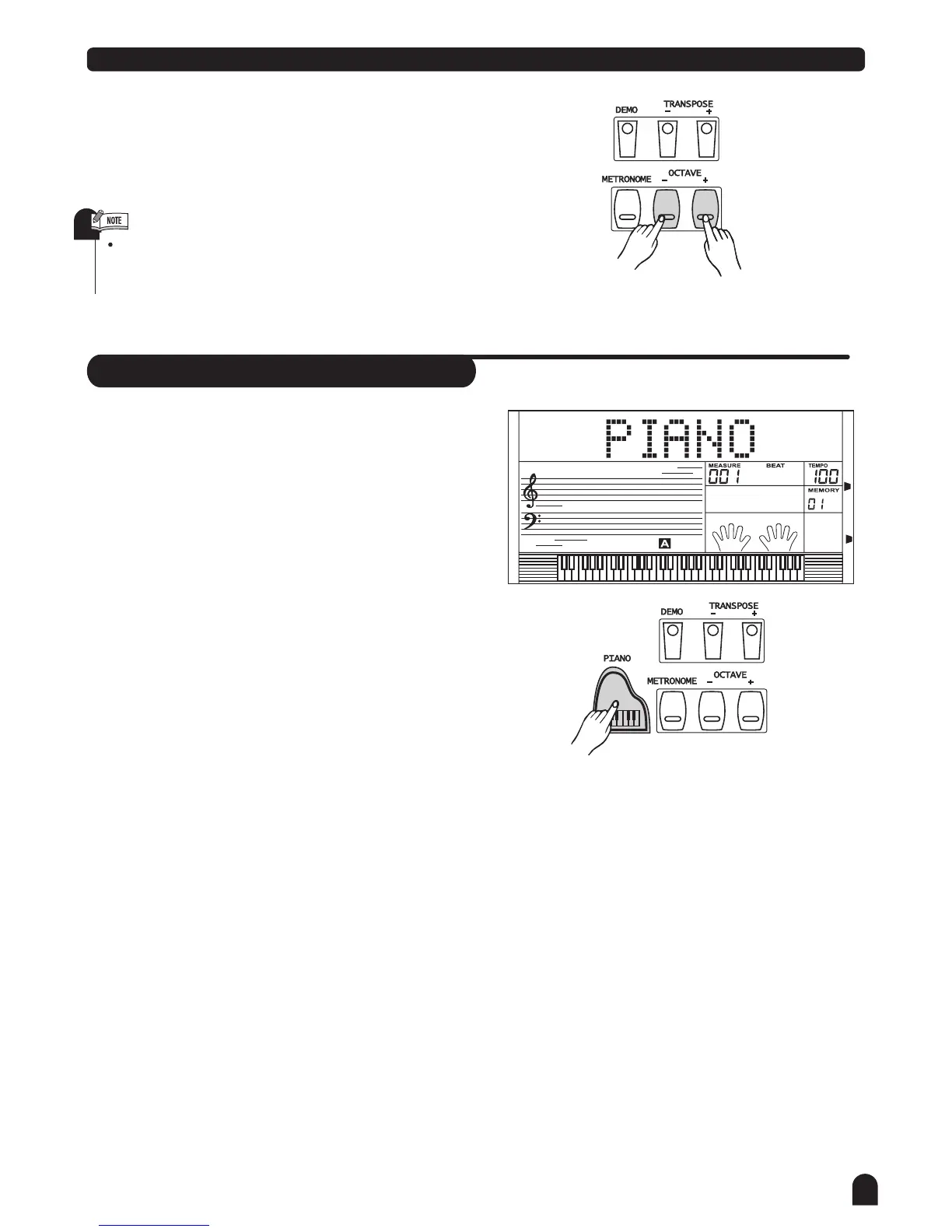
Press [OCTAVE +]and [OCTAVE -] simultaneously to set
the octave value back to its default. The default octave
value is 00.
3.
Piano
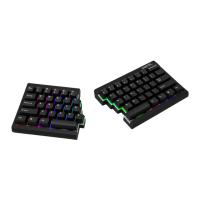
Press [PIANO] button to return to the piano mode.
The LCD displays PIANO, and the voice is changed
to piano immediately. In this mode, A.B.C. is OFF.
Press [PIANO] button again to exit the PIANO mode.
You can select the style number with the [+/YES] / [-/No]
key, or turn the dial at the PIANO mode. Press the
[START/STOP] button to activate the style(only drum).
The MIXER and FUNCTION menu can be functioned.
1.
2.
3.
4.


 To Next Page