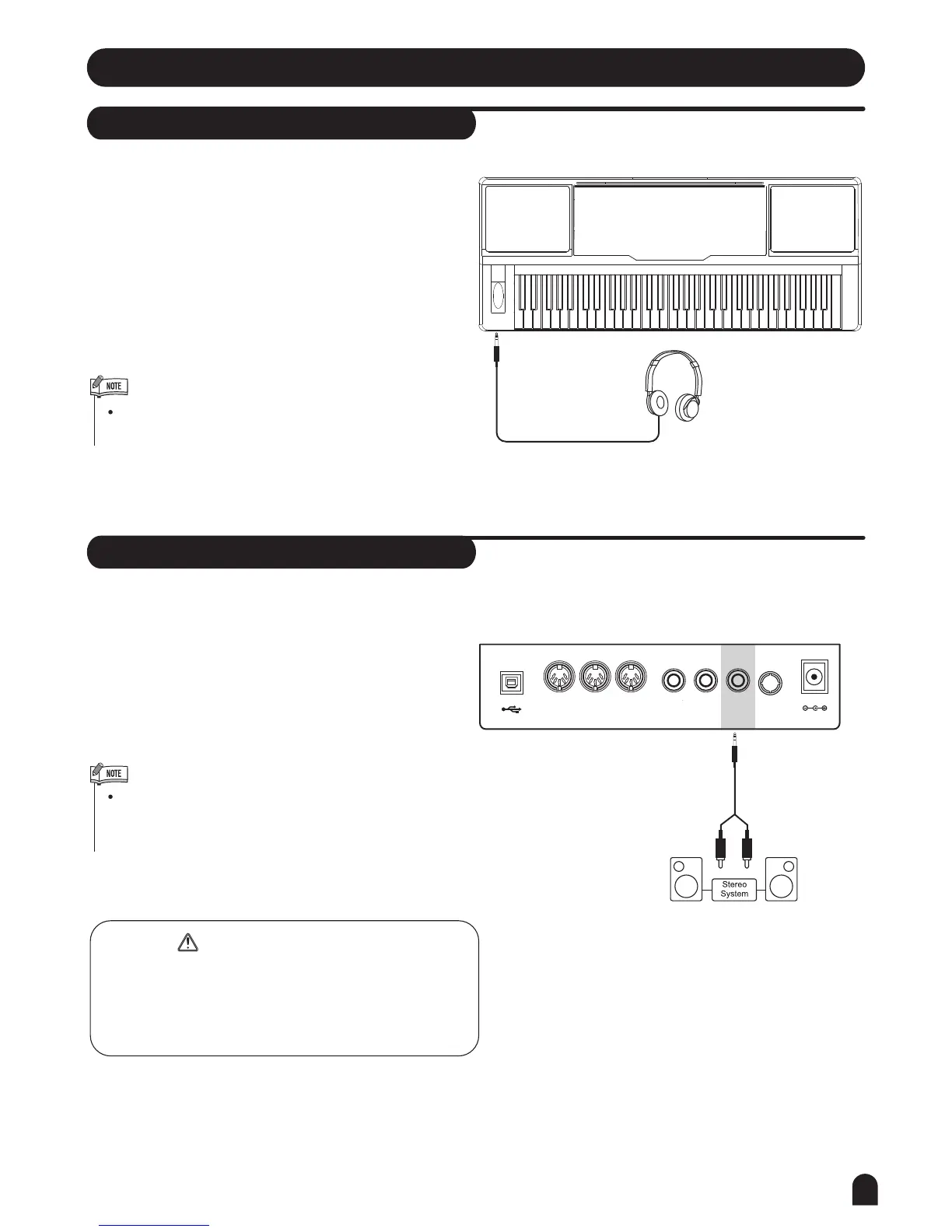
Headphones Jack
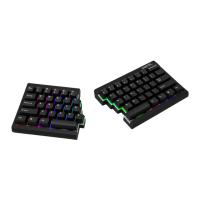
AUX.OUT Jack
Connections
1. If you prefer to play with headphones for high quality
personal monitoring, plug a set of stereo headphone
into the PHONES jack.
2. Plug a set of headphones into the [PHONES] jack and
the speakers will be shut automatically.
The AUX.OUT jack delivers the output signal of the
keyboard to an external amplifier.
Use an audio cord to plug into the [AUX.OUT] jack
located on the rear panel; then plug the other end of
the cord into LINE IN or AUX.IN of the amplifier.
Never use headphones in high volume, as it may
hurt your ears.
MIDI THRU MIDI IN MIDI OUT SUSTAIN VOLUME AUX.OUT DC 12V USB
9
To avoid damaging the speakers, please ensure
that the volume has set to the minimum level before
connecting the power and other devices.
PHONES
To avoid damages, turn off the power switches of
this keyboard and all related devices if you want to
plug in or unplug between this instrument with all
related devices.
WARNING


 To Next Page