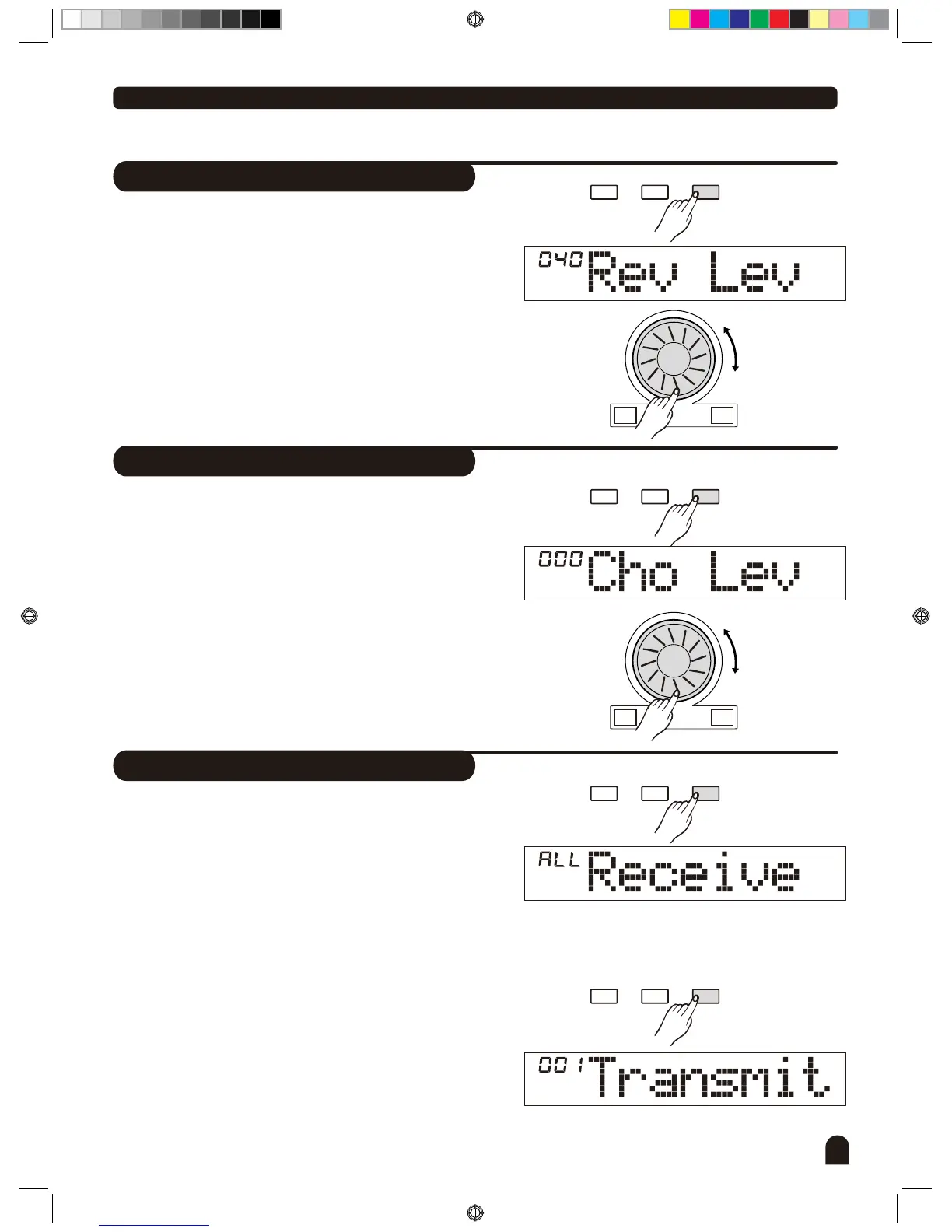
Reverb Level
29
Function Menu
The LCD displays the reverb level.
0 to 127. The default level is 40.
Use [+/YES] / [-/NO] or DIAL to change the reverb level.
The level ranges from
Chorus Level
MIDI Setting
The LCD displays the chorus level.
0 to 127. The default level is 0
Use [+/YES] / [-/NO] or to change the chorus level.
The level ranges from
DIAL
You can set the channel to MIDI IN by RECEIVE. The
default setting is "all ". Otherwise, channel 1~16 can
also be selected separately.
Use [+/YES] / [-/NO] button or the to select the
channel.
You can set the channel to MIDI OUT by TRANSMIT.
There are total of 16 channels for selection. Default
setting is "001".
Use
[+/YES] / [-/NO] button or the DIAL to select the
channel.
DIAL
FUNCTIONMIXER
BACK NEXT
FUNCTIONMIXER
BACK NEXT
FUNCTIONMIXER
BACK NEXT
FUNCTIONMIXER
BACK NEXT
+/YES-/NO
+/YES-/NO
1.
1.
1.
2.
2.
2.
DZB0'B0DQXDOBB*BSDUWBDZB0'B0DQXDOBB*BSDUWB


 To Next Page