Using the phone system 113Final
Set up the Conference Unit on 5324 phones
Follow these steps to configure the conference unit on the Mitel 5324 IP
Phone.
1 Connect the unit as per the instructions in the box.
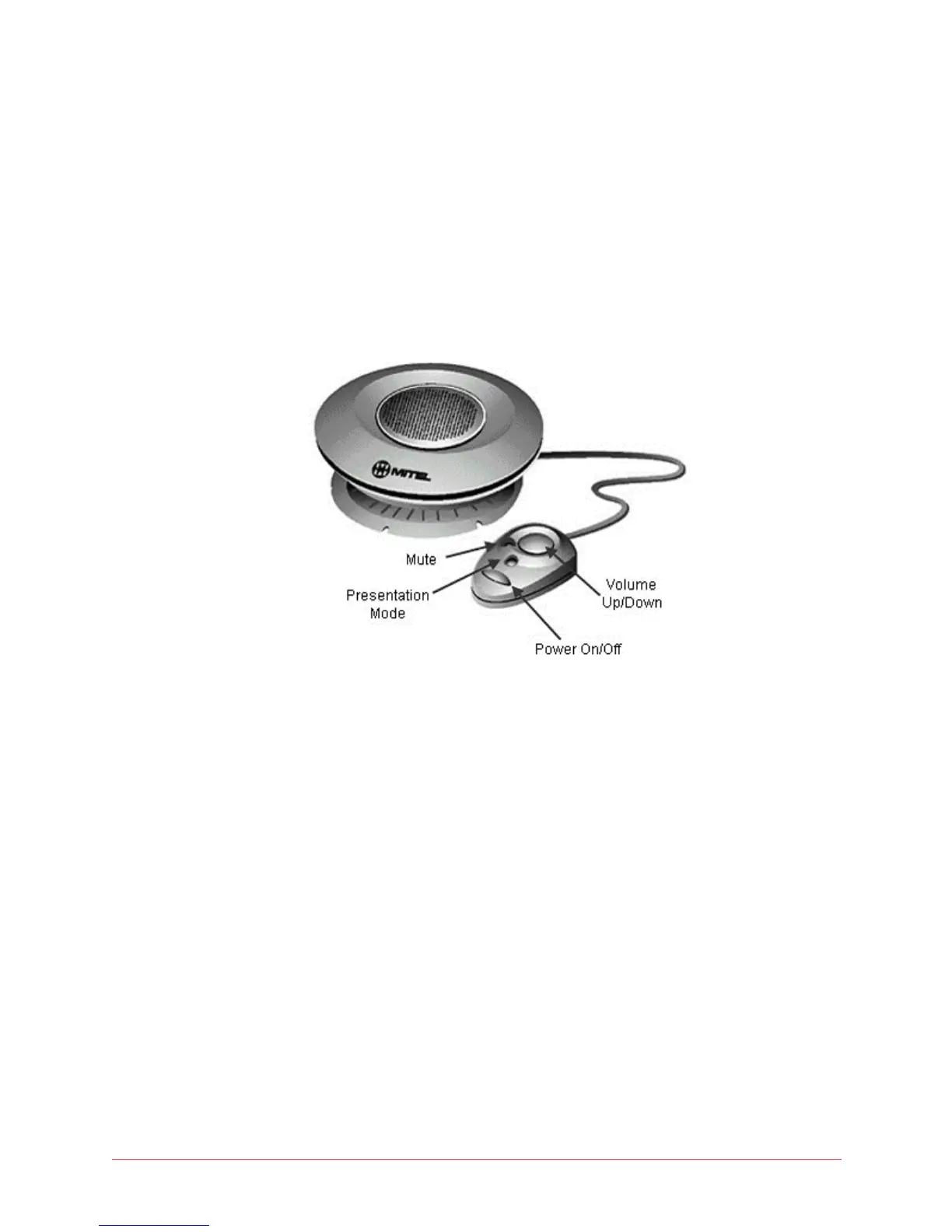
2 Connect the mouse to be able to control the operation of the conference
unit.
Figure 9: shows various keys on the conference unit mouse:
Figure 9: Mitel 5310 IP Conference unit with mouse
Make a call from the Conference Unit on 5324 phones
Follow these steps to make a call from the phone connected to the
conference unit.
1 Make a speakerphone call by dialing with the handset onhook.
2 Wait for the other party to answer the call.
3 Once the other party has answered the call, press the Power On/Off
button on the mouse.
Answer a call on the Conference Unit on 5324 phones
To answer an incoming call to your phone with the conference unit, follow this
step while the phone is ringing:
1 Press the Power On/Off button on the mouse.



 To Next Page