32 Using the phone system
Final
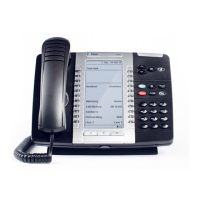
• Three context-sensitive softkeys for additional features
• 24 programmable multi-function memory keys with color LEDs
• Six fixed function keys, including Directory, Cancel, Redial, Hold,
Transfer/Conference, and Message
• Mute and Speaker keys
• Dedicated headset jack
• Arrow keys for Ringer Volume/Contrast up/down controls and scrolling
• Support for peripherals, such as the Mitel IP Programmable Key Module
12, Mitel IP Programmable Key Module 48, and the Mitel 5310 IP
Conference Unit
• Message waiting lamp
• Two-position tilting stand
• Wall mountable
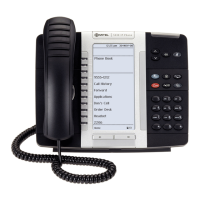
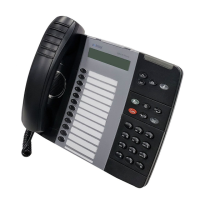
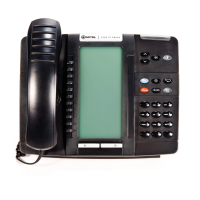
Figure 5: Mitel 5224 IP Phone
Initial set-up for 5224/5324 phone service
To set up your new phone service, follow these steps:
1 Activate your phone. See “Activating a 5224/5324 phone” on page 33.
2 Perform a Quick Set-up through the web interface. See “Quick set-up” on
page 120.


 To Next Page