Personalizing phone usage via the web 143Final
.
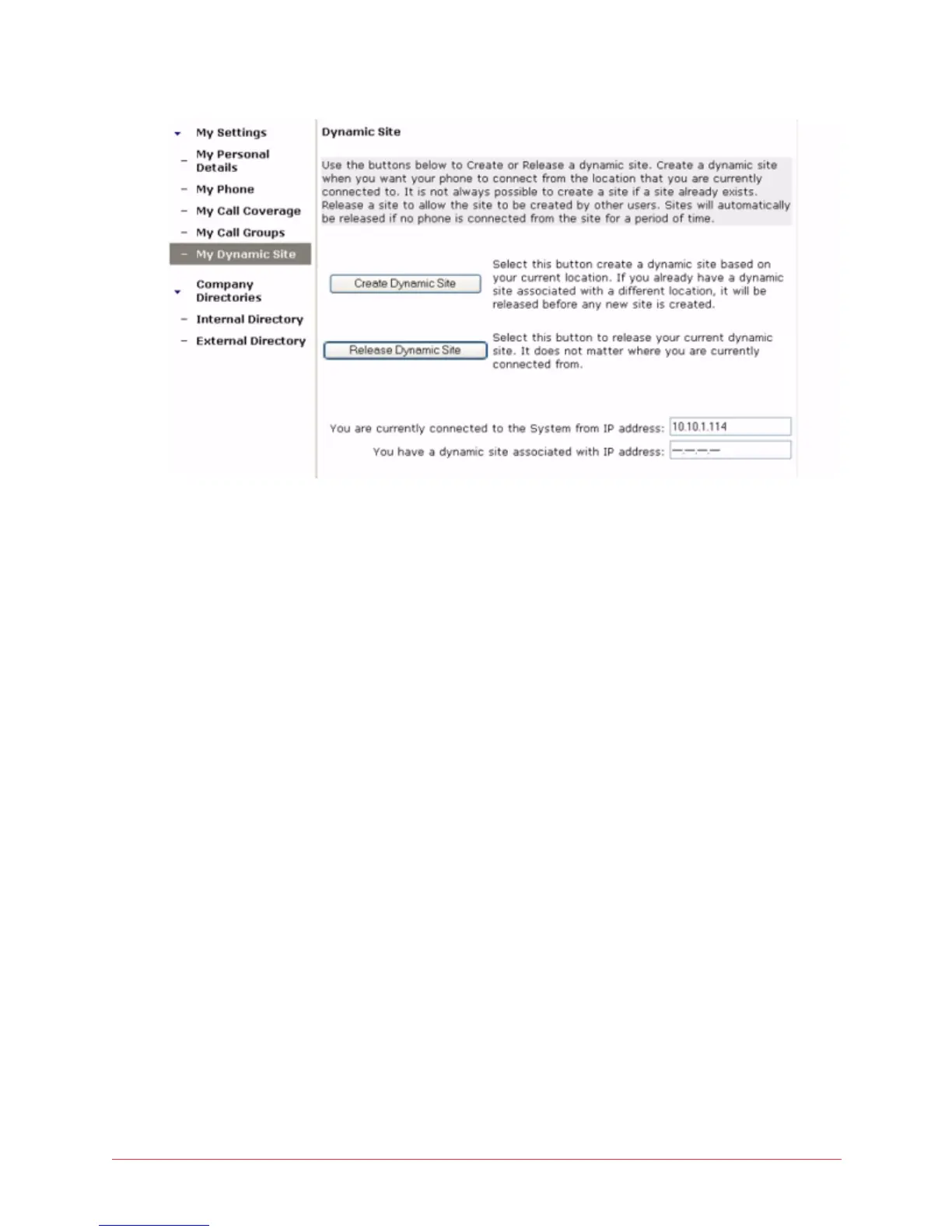
Figure 12: Dynamic site page
Create a dynamic site
To create a dynamic site, follow these steps:
1 Select My Dynamic Site in the left menu.
2 Select the Create Dynamic Site button.
This will create a dynamic site based on the current location of your
computer. If you already have a site associated with a different location, it
will be released before any new site is created.
Release a dynamic site
To release a dynamic site, follow these steps:
1 Select My Dynamic Site in the left menu.
2 Select the Release Dynamic Site button.
This will delete your current dynamic site regardless of where you are
currently connected. It will also log you out from your phone.



 To Next Page