112 Using the phone system
Final
Hang up a call on the conference unit on 5320/5330/5340/
5260 phones
To hang up a call while using the conference unit, follow this step:
1 Press the speaker key.
Note that the key labelled Hang Up does not have any effect.
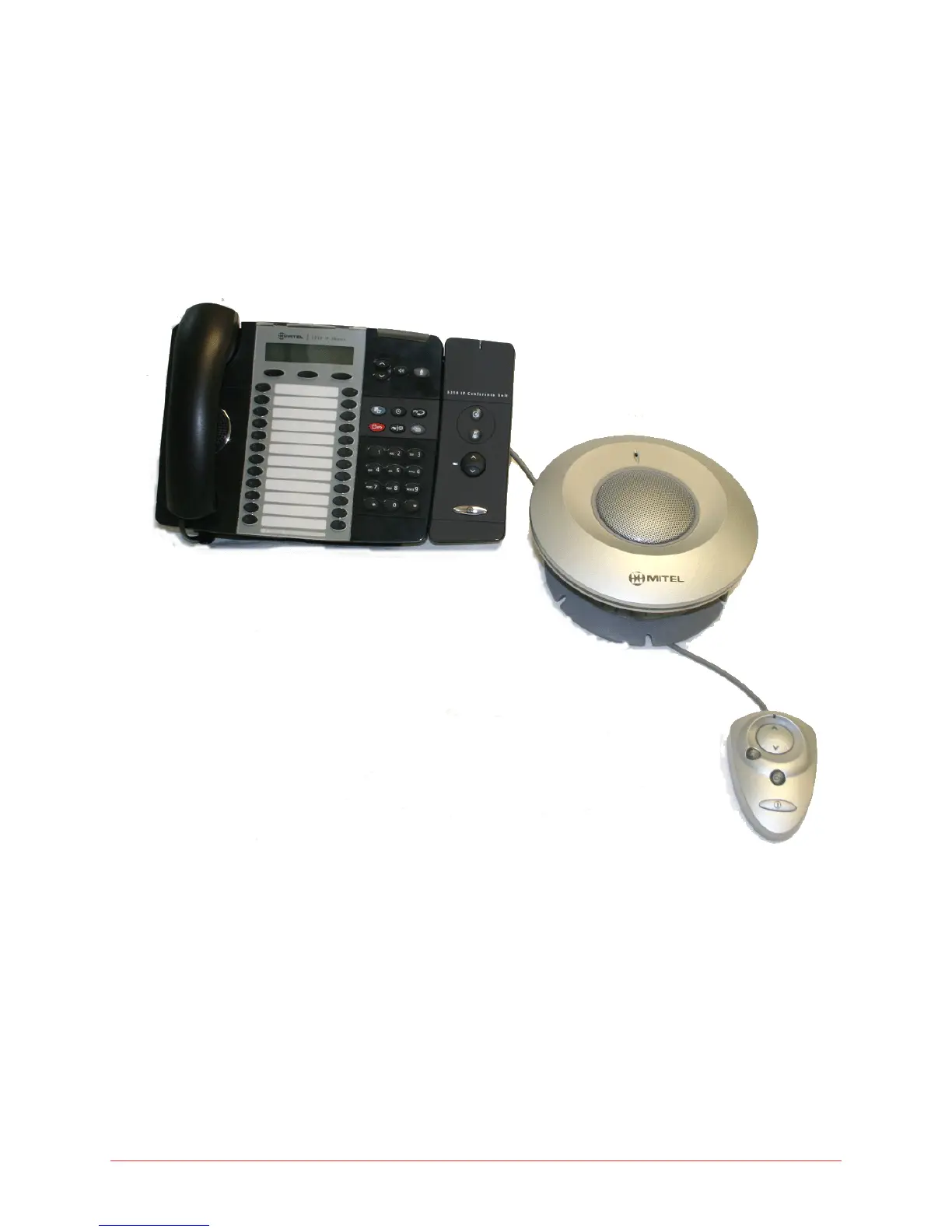
Figure 8: Mitel 5310 IP Conference unit with sidecar and optional mouse
When connected to the 5224 phone, the conference unit can be controlled
using the buttons on the sidecar for On/Off, Volume, Mute and Presentation
Mode.
Using the Conference Unit for 5324 phones
The following explanations assume that you have a mouse attachment.



 To Next Page