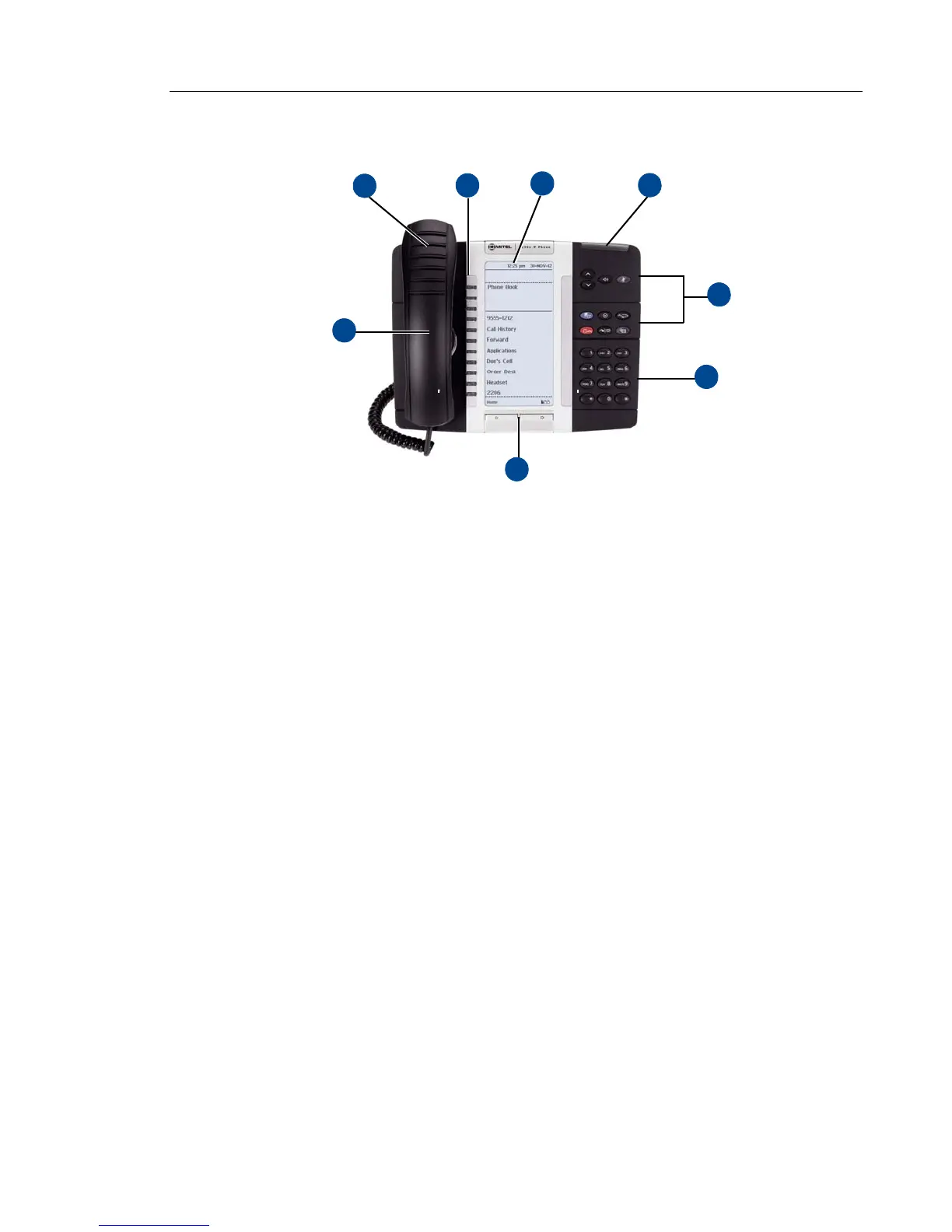
5330e IP Phone
1 – Handset (see page 6) 5 – Feature buttons (see page 7)
2 – Programmable buttons (see
page 8)
1
1. The top three buttons on the 5320e IP Phone do not have LEDs.
6 – Dialpad buttons (see page 8)
3 – Display (see
page 7)
2
2. The 5320e IP Phone does not have a backlit display.
7 – Navigation buttons (see page 9)
4 – Ring/Message Indicator (see
page 7) 8 – External Speaker (see page 9)















 To Next Page