Using the Screen Saver
The IP Phones include an embedded screen saver that you can configure for your display.
By default the screen saver image is disabled. When your IP phone enters screen saver mode,
only the IP phone’s backlight dims. All 5340e and newer 5330e IP Phones have a backlit display.
5320e IP Phones do not have a backlit display.
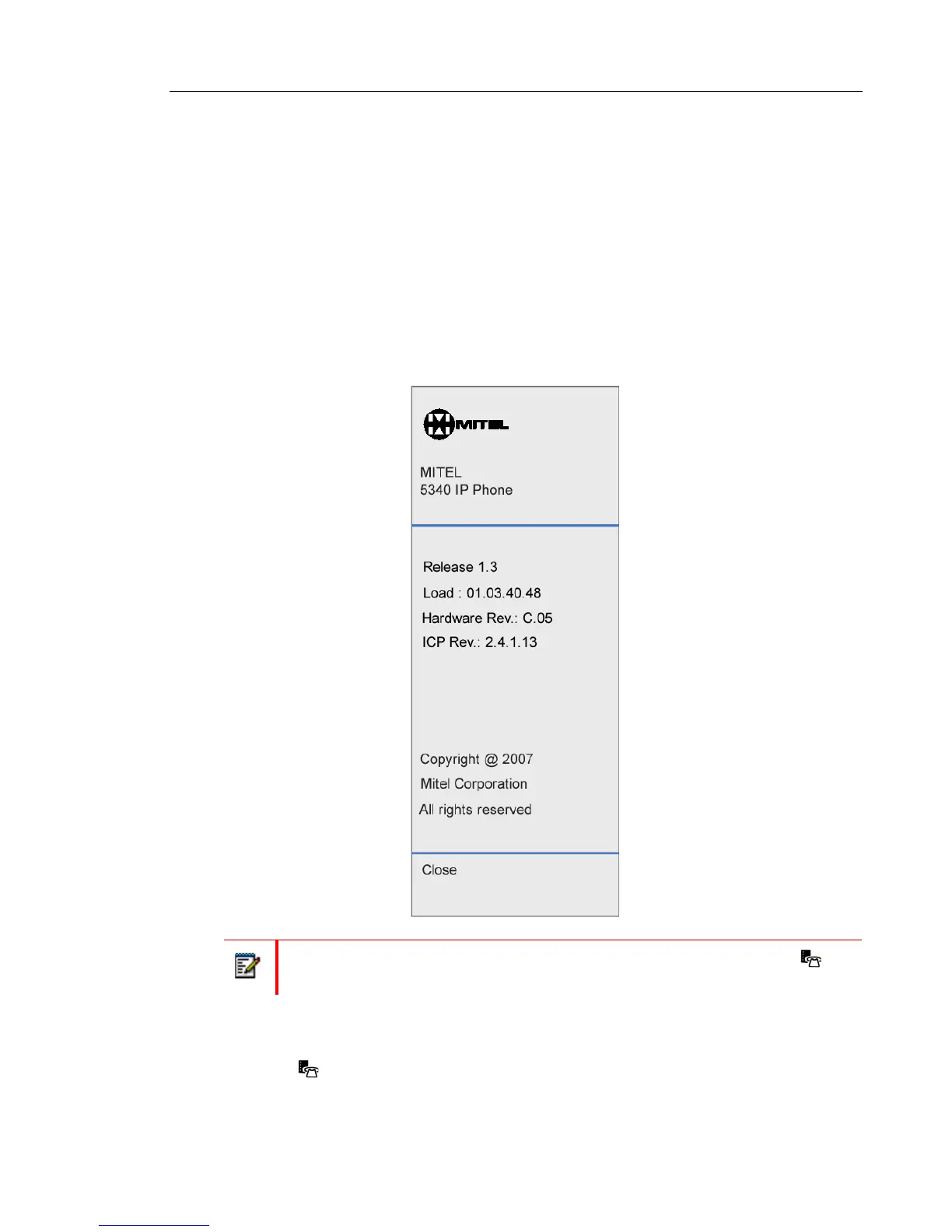
You can enable the screen saver image and when your IP phone enters screen saver mode,
the IP phone’s backlight dims and the embedded screen saver image, similar to the one below,
appears on your display. The images are not changeable.
To configure the screen saver on your IP Phone:
1. Press (Applications).
2. Press Settings, and then press Screen Saver. The Screen Saver menu appears.
Note: The screen saver image is the same image you see when you press
(Applications) and select the About 5330e/5340e IP Phone menu option.















 To Next Page