Mitel 5320e/5330e/5340e User Guide
About Your IP Phone
The IP Phones are full-feature, dual port phones that provide voice communication over an IP
network. All phones have a 160 x 320 (pixels) liquid crystal display (LED), self-labeling
programmable buttons, on-hook dialing, and a Ring/Message Indicator.
For one-touch feature access, the 5320e IP Phone has 8 programmable buttons, the 5330e IP
Phone has 33 programmable buttons, and the 5340e IP Phone has 42 programmable buttons.
It includes an embedded screen saver application and text size control.
5320e/5330e IP Phone Features
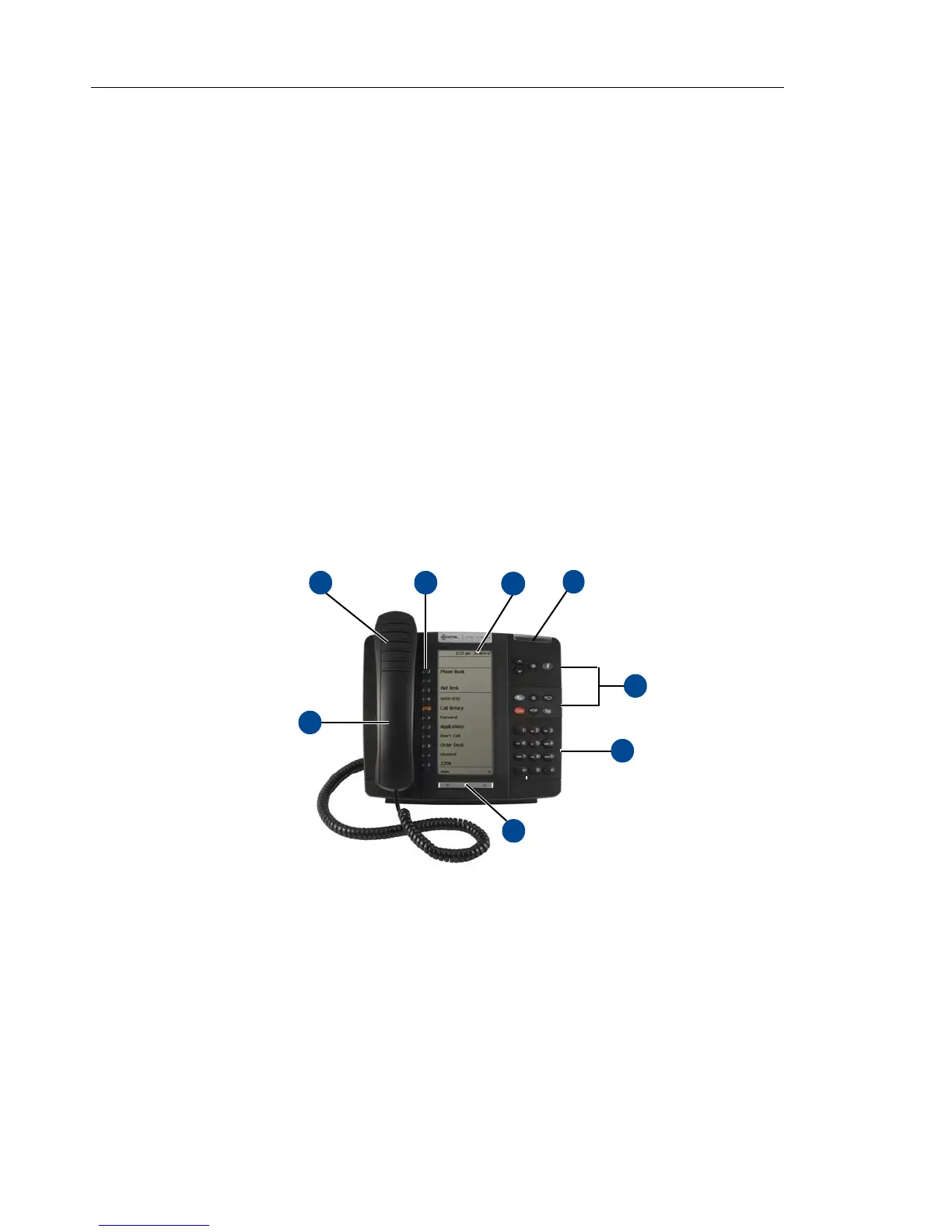
The 5320e and 5330e IP Phones are shown here.
1
See “5320e/5330e IP Phone Features” on
page 4 for more information about the IP phone features.
5320e IP Phone
1. These images are examples of how your IP phone may be programmed.















 To Next Page