5330e/5340e IP Phones – User Guide
Specify Audio Feedback Options
The error beep volume in the phone is related to the volume of the speaker. You can set the
beep volume using this procedure; however, adjusting the speaker volume also affects the
beep volume.
To adjust the volume of the audio feedback:
1. Press the blue Applications key
.
2. Press Settings.
3. Press Audio Feedback.
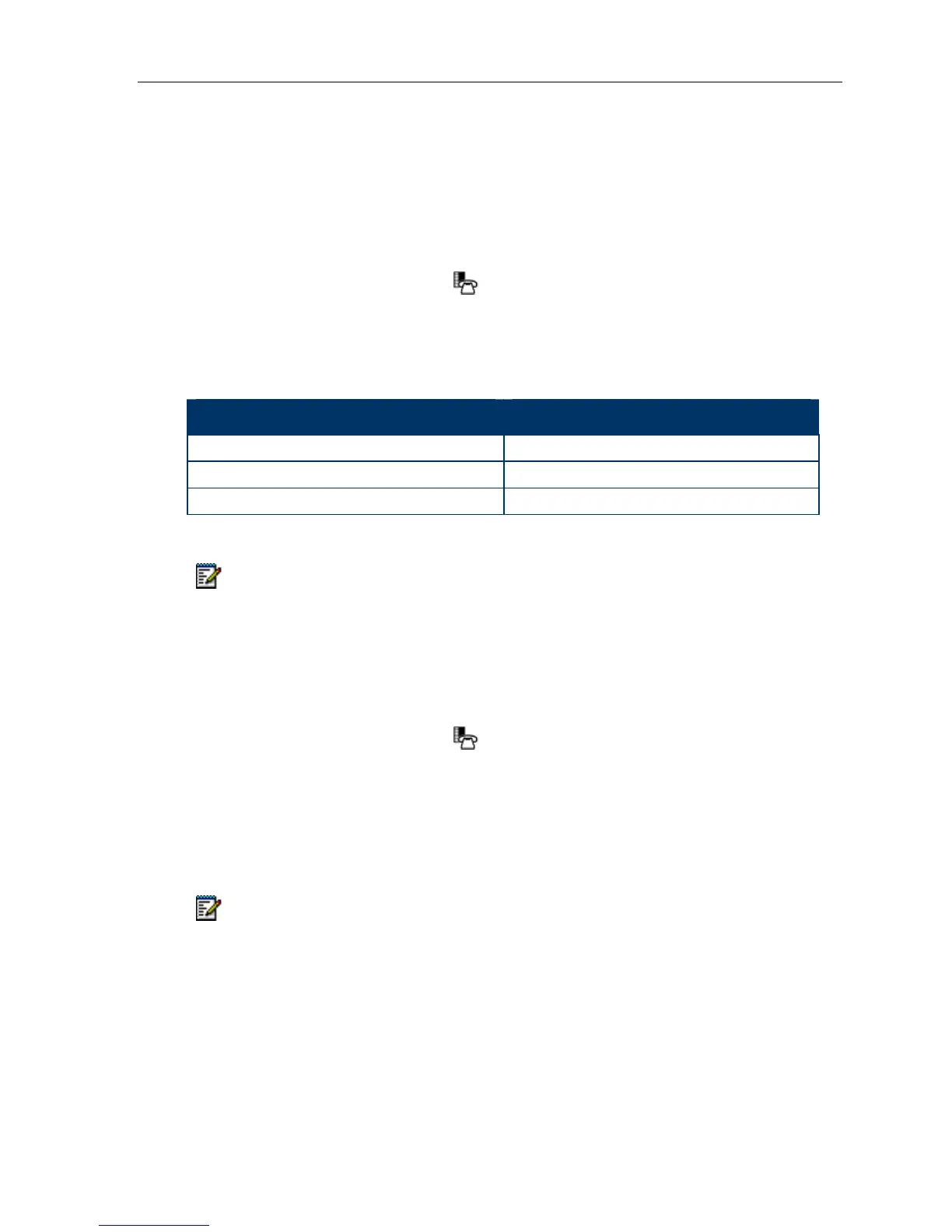
4. Set the options using the appropriate actions described below:
Option Action
Turn audio feedback off for errors
Press Turn Off.
Adjust audio for error beeps
Press Volume + or Volume –
Turn audio feedback on for errors
Press Play Error Tone
5. Click Save.
Note: Press Cancel at any time to exit this application without making any changes.
Specify Text Size
To specify the text size that displays on the phone:
1. Press the blue Applications key
.
2. Press Settings.
3. Press Text Size.
4. Select Large Text or Small Text.
5. Press Save.
Note: This setting is available only on the 5340e since the 5330e always uses large text.
Large is the default text size on the 5340e IP Phone.
- 15 -



 To Next Page