5330e/5340e IP Phones – User Guide
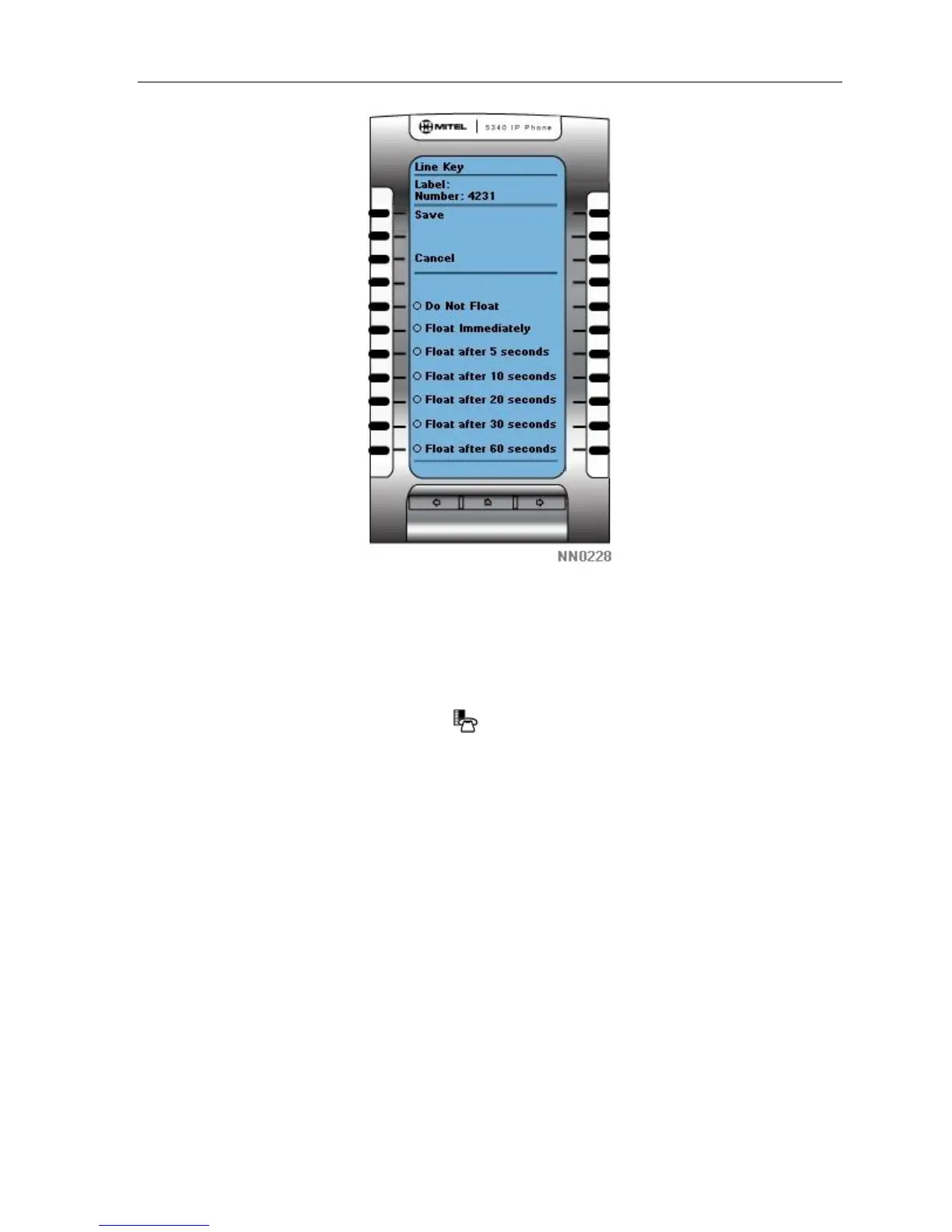
6. Repeat steps 3 – 5 for every line key that you want to appear on the float keys.
7. Press Save.
8. Press Close.
To disable float keys:
1. Press the blue Applications key
.
2. Press Settings.
3. Press Float Keys.
4. Press Disable.
5. Press Save.
Using Float Keys
You can set up more than three lines to float. As lines ring, they get placed into a queue
which will display the first three in the float key area. If there are more than three lines
configured to float, as Float Key positions are freed up, the next lines in the queue get
displayed. Press the Float key of the ringing line to answer a call.
- 45 -



 To Next Page