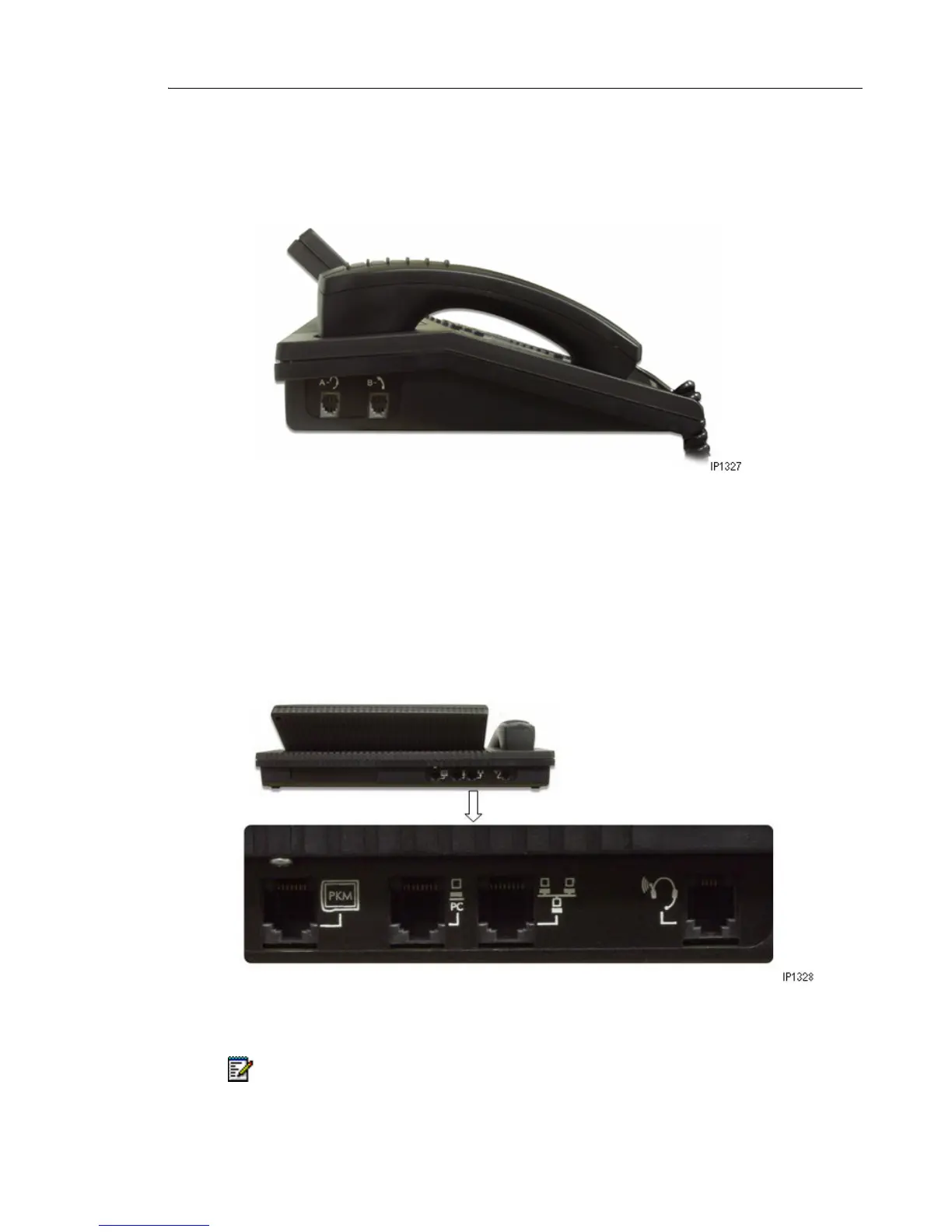
Corded Handset and Headset Ports
There are two jacks on the left side. One is for the handset or headset that you use; the other
is for the handset or headset used by the person training or monitoring new attendants.
Console Rear Ports
The cabling required to connect the console to the telephone system is located at the rear of
the console. The cables should be connected by a qualified system installer and should not be
adjusted by unauthorized personnel. The Cordless Headset port is the last port on the right
side. For more information on cordless headset operation, see “Using a Cordless Headset with
the Console” on page 12
Note: The PKM is currently not supported on Mitel Communications Director (MCD).



 To Next Page