Viewing System Alarm Information
Viewing System Alarm Information
An alarm indicator on the display means a fault in the telephone system has occurred. You can
read information about the nature and location of the fault from the console.
To read an alarm message:
1. Press Function.
2. Press [Alarm].
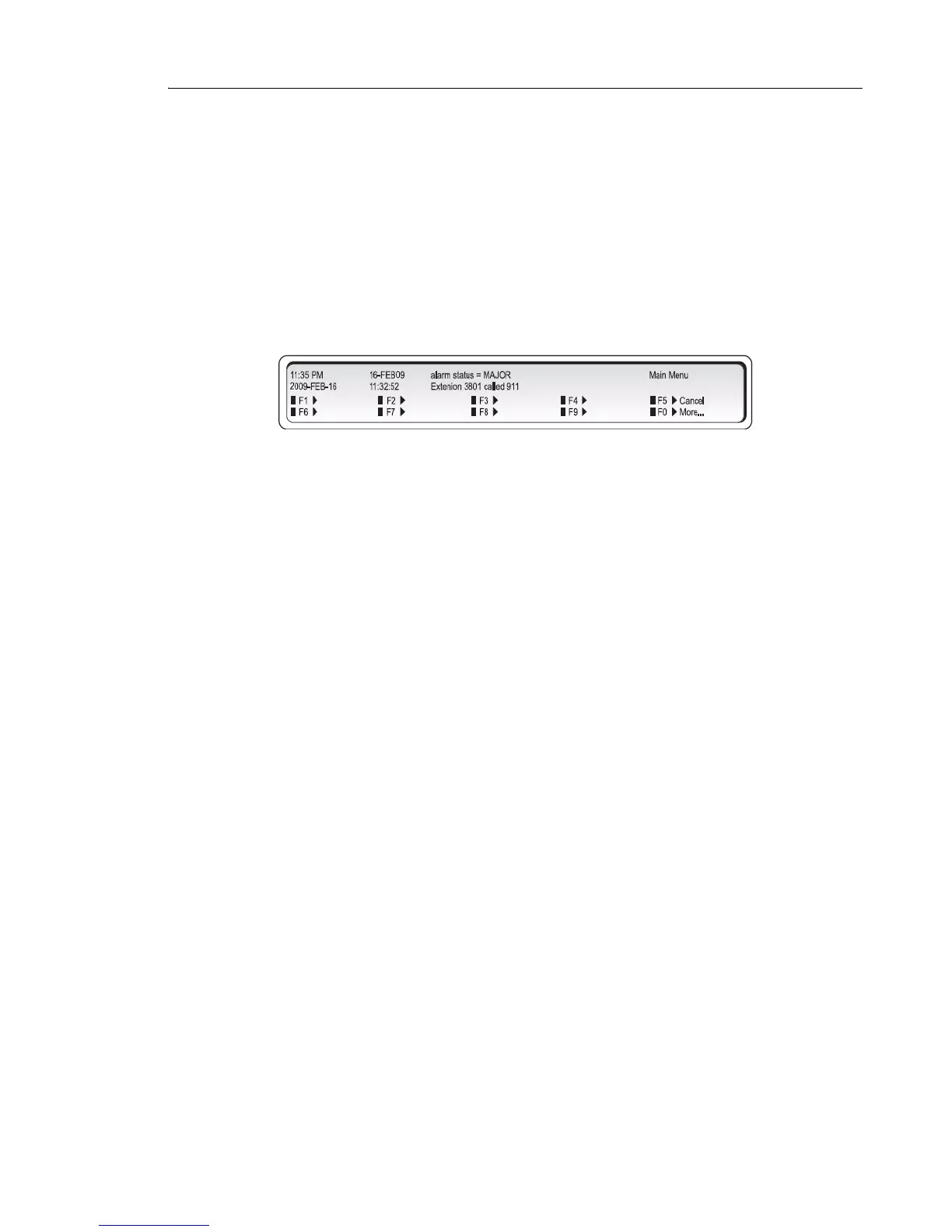
The display shows, for example:
3. Record all the alarm information.
• Press [More...] to display additional information or other alarms (if any).
• The Alarm indicator will continue to flash until all alarm messages have been displayed.
• Contact your communications department.
4. Press [Exit].



 To Next Page