Mitel 5540 IP Console - User Guide
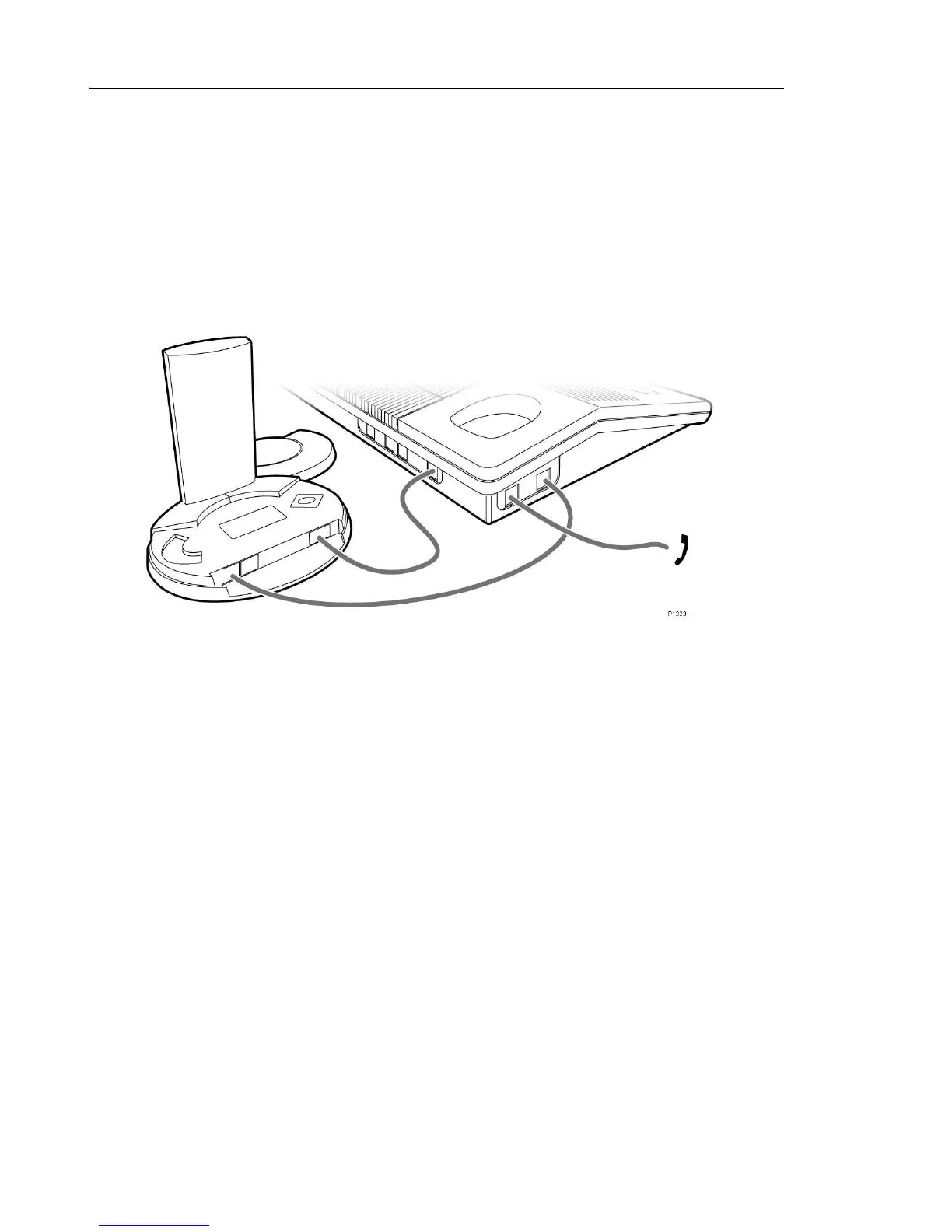
Using the Cordless Headset for Training Mode
1. Unplug the handset cord from the 5540 IP Console.
2. Plug the console handset cord into the headset port of the 5540 IP Console.
3. Plug the base station’s telephone cord to the handset port of the 5540 IP Console.
4. Connect the Cordless Headset cable between the AUX port of the cordless base station
and the Wireless Port at the back of the 5540 IP Console.



 To Next Page