Phonebook
Phonebook is an optional feature that allows you to find and call an extension user by typing
the person’s name and extension number, department, or location.
To use Phonebook to look up an extension user
1. Press the Phone Book firmkey.
2. Do one of the following:
• To search by name, enter the name using the dialpad.
• To search by department name, location, or extension, press [Options] and then enter
the necessary information.
• Press [Next Field] to move the cursor to another field, [Clear Field] to erase informa-
tion you have entered, and [Backup] to return to the previous display.
3. Press [Lookup].
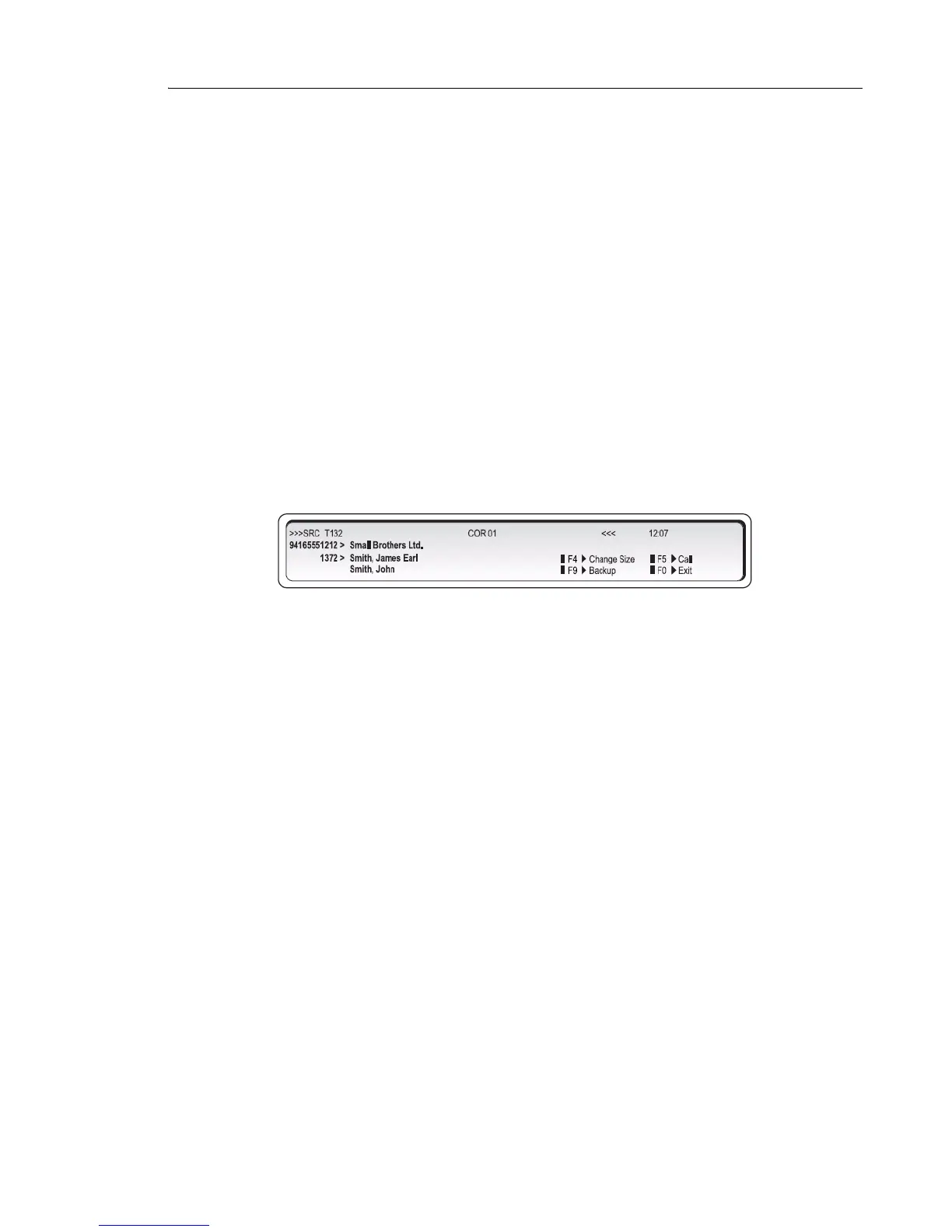
The display show, for example:
4. If no match exists, edit the original entry.
5. If the name is not unique, press
or (if required).
6. To call the selected extension user, press [Call].
7. If a unique match is found, the console transfers the call to the desired user.



 To Next Page