Setting/Clearing Advisory Messages
Setting/Clearing Advisory Messages
You can read Advisory Messages left on a phone and clear or change an existing message.
To read, set, or clear an Advisory Message:
1. Press Function.
2. Press [Stn Function].
3. Dial the extension number.
4. Press [Enter].
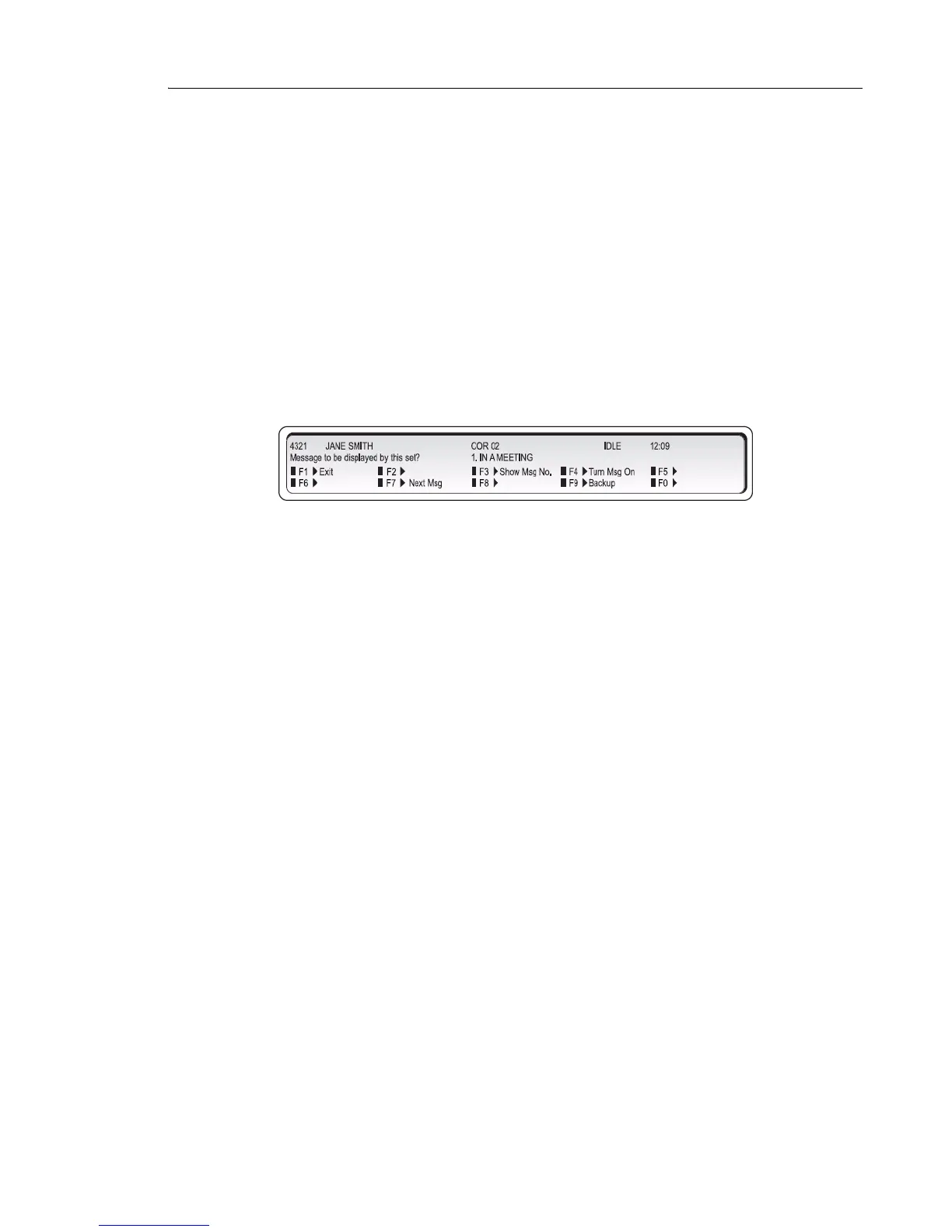
5. Press [Set Up Msg].
The display shows:
6. Do one of the following:
• Press [Turn Msg On] to activate the currently displayed message.
• Press [Next Msg] or [Previous Msg] until the message you want to leave appears,
and then press [Turn Msg On] to activate the message.
If the extension has an Advisory Message active, the message will appear on the display. You
can either press [Turn Msg Off] to clear the message or replace it with another one by pressing
[Next Msg] until the replacement message appears, and then pressing [Turn MsgOn] to
activate the message.
7. Press [Exit].
Instead of scrolling for the message you want, you can select it by entering a number from the
list in the table “Advisory Messages for Display Telephones” on page 70.
Clearing All Features
You can cancel all of the following features currently set on an extension:
• Call Forwarding
• Do Not Disturb
• Callbacks
• Reminders
• Advisory Messages
• Auto-Answer



 To Next Page