Mitel 5540 IP Console - User Guide
To check the status of trunk groups:
1. Press Trunk Status firmkey .
2. Press [Trunk Groups].
3. Press [Enter].
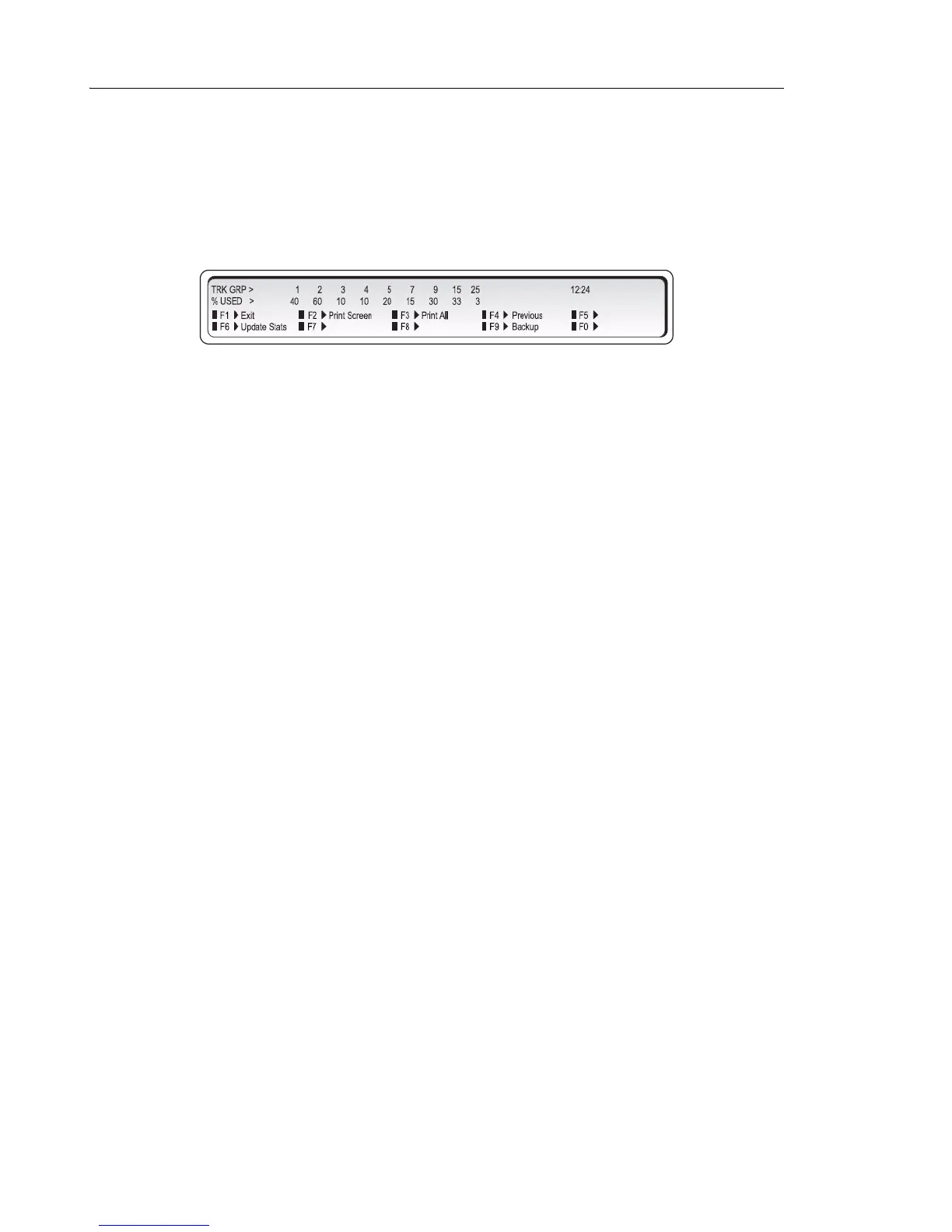
The display shows, for example:
The top line lists the trunk groups, while the second line indicates the percentages busy for
each group.
To view the status information of a specific trunk group:
1. Press Trunk Status firmkey .
2. Press [Trunk Groups].
3. Enter the Trunk Group number.
4. Press [Enter].
To view a trunk group by specifying the trunk access code:
1. Press Trunk Status firmkey .
1. Press [Trunk Groups].
2. Enter the Trunk access code -- for example, "9".
3. Press [Enter].



 To Next Page