6930 Analog Phone Quick Start Guide
12
Managing calls
The 6390 has several features that make it easier to manage calls, keep track of your call history,
and organize your business and personal contacts.
These features include:
• Directory
• Redial List
• Callers List
Directory
The Directory is your personal phone book, conveniently stored within your phone. The 6390 stores
the numbers and names of up to 200 of your business associates, clients, contacts, and friends in
your Directory. You can view, add, edit, and delete entries using the Directory. You can also dial an
entry directly using the Directory.
Names are sorted alphabetically starting with their first character. If you want your Directory sorted
by the last name, enter the last name first. If you do not enter a name, the item is sorted by phone
number. The Directory entries with only a phone number are numerically sorted at the beginning of
the Directory.
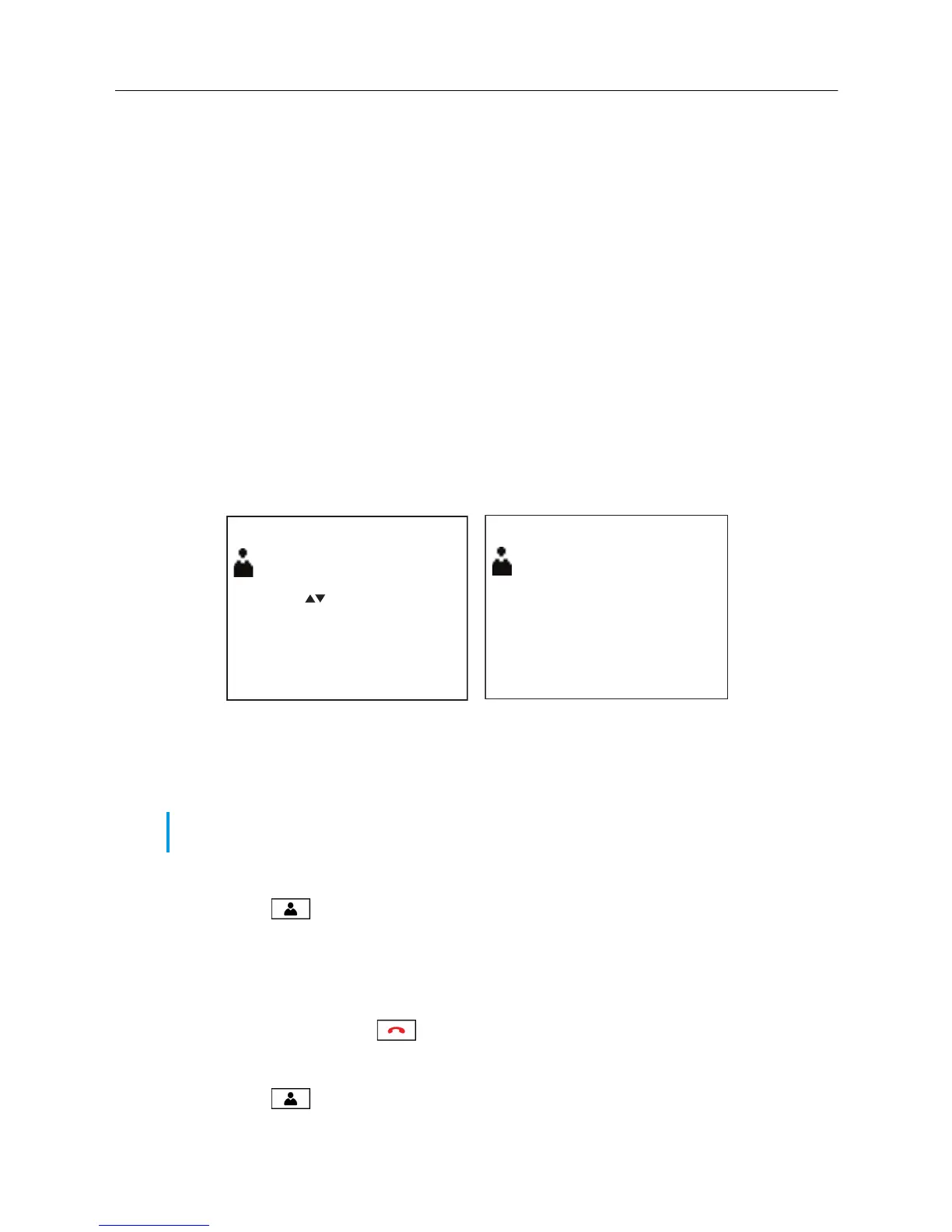
Accessing the Directory
1. Press the key to access the Directory.
The number of entries are displayed.
2. Press the 5 and 2 (up and down) navigation keys to scroll through the list of entries or press a
dialpad key to see listings that start with that letter. For example, press 5 on the dialpad to see
entries that start with the letter “J” or press 5 twice to see entries that start with the letter “K”.
3. Press the Quit softkey or key to exit the Directory.
Adding a new Directory entry
1. Press the key to access the Directory.
Note: Based on the phone’s configuration, the ability to add, edit, and delete Directory entries
may not be available to some users.
Directory
Use to view
Quit-
DeleteList-
82 items
Press 1st letter
-AddNew
John Smith
Ring tone 1
Quit-
Delete-
-AddNew
9O5-76O-5OOO
01
Change-
-Dial
Directory Summary Screen
Directory Entry Screen



 To Next Page