Managing calls
17
4. Press the Softkey softkey to copy the entry as a memory key.
a. Select the softkey to which the entry should be copied.
The softkey/memory key edit menu displays on screen.
b. Press the Label softkey.
c. Enter/edit the desired label using the dialpad (maximum 10 characters in length)
.
d. Press the Save softkey to save your changes.
The softkey/memory key edit menu displays on screen.
e. Press the Number softkey.
f. Enter/edit the desired number using the dialpad (maximum 24 digits in length).
g. Press the Save softkey to save the number.
5. Press the Done softkey to save your changes and copy the entry to the selected softkey.
Callers List
The Callers List is a log of your incoming calls. The 6390 stores information for up to 200 incoming
calls in the Callers List. Your phone logs the number and name (if available) of the caller and when
they called. You can view and delete entries in the Callers List as wells as copy entries to the Directory
or a memory key. You can also dial an entry directly using the Callers List (with an option of editing
the number before dialing).
Note: Press the Backspace softkey to delete the last character entered or press the
NextSpace softkey to add a space after the last character entered. You can also press the
ChangeCase softkey to toggle the input characters to be upper or lower case. Press the Clear
softkey to remove all the characters entered.
Note: Press the Backspace softkey to delete the last digit entered. Press the Pause softkey
to add a pause to the number. Press the key to add a flash to the number. Press the
Clear softkey to remove all the characters entered.
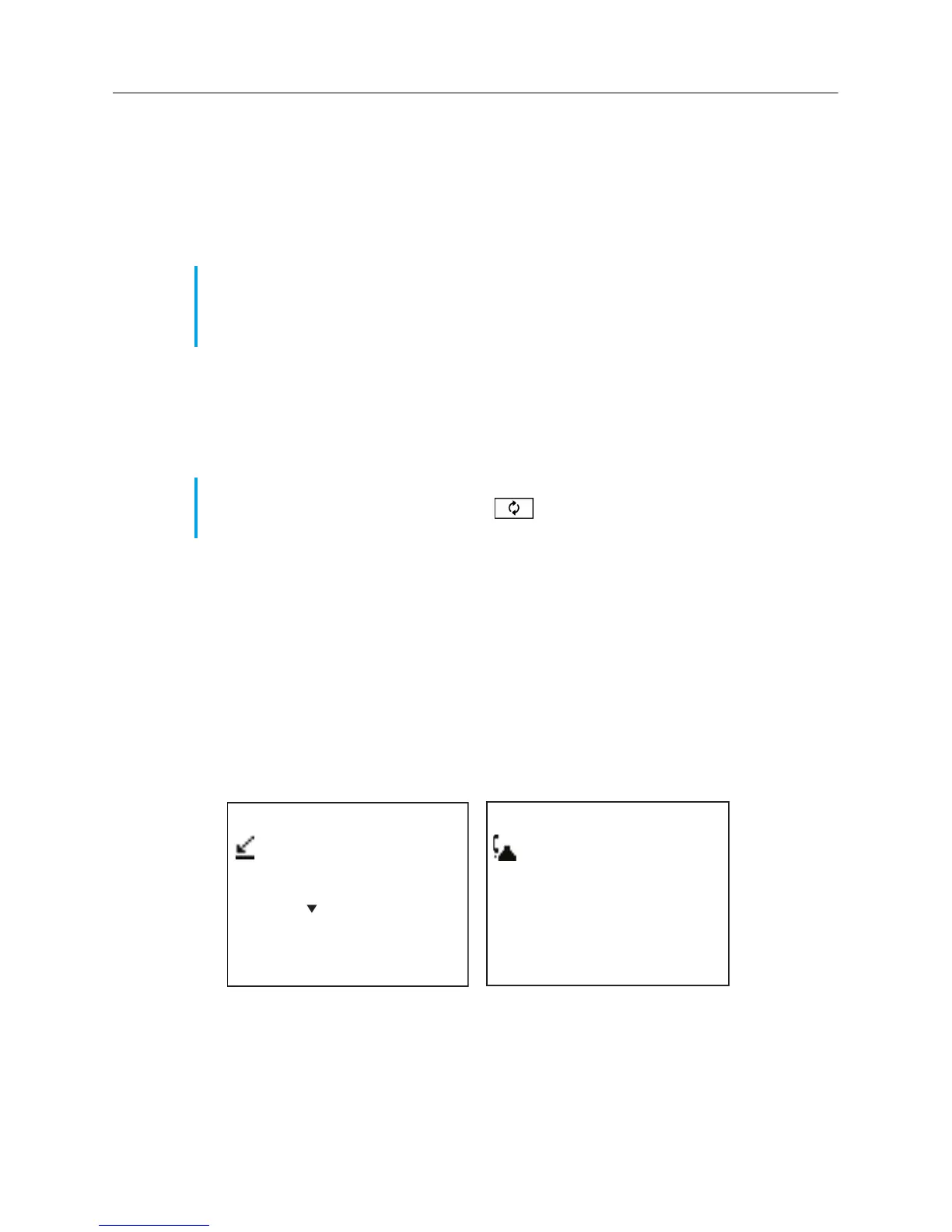
Callers list
Use for New
Quit-
DeleteList-
45 items
2 New callers
-Resume
John Smith
Quit-
Delete-
-Copy
9O5-76O-5OOO
01
-Dial
January 01 12:OOpm
EditNum-
Callers List Summary Screen
Callers List Entry Screen



 To Next Page