Managing calls
15
3. Press the Delete softkey.
All entries are deleted from the Directory.
Redial List
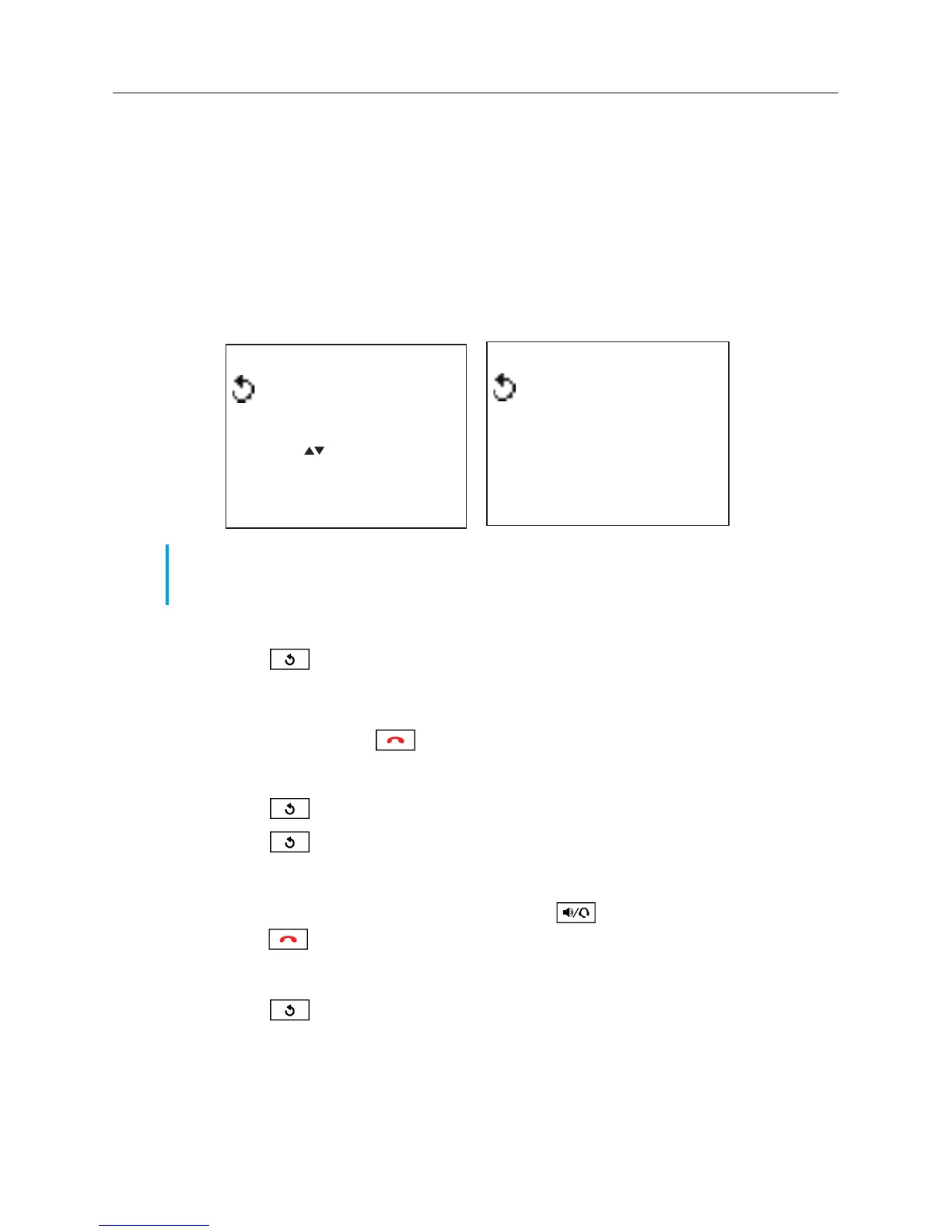
The Redial List stores information for up to the last 15 numbers you called. Your phone logs the
name/number of the called party and when you called. You can view and delete entries in the Redial
List as well as copy entries to the Directory or a memory key. You can also dial an entry directly
using the Redial List.
Accessing the Redial List
1. Press the key to access the Redial List.
The number of entries are displayed.
2. Press the 5 and 2 (up and down) navigation keys to scroll through the list of entries.
3. Press the Quit softkey or key to exit the Redial List.
Redialing a number
1. Press the key to access the Redial List.
2. Press the key again to automatically redial the last dialed number
or
Press the 5 and 2 (up and down) navigation keys to scroll through the list of entries.
3. Press the Dial softkey, lift the handset, or press the key to dial the displayed number.
4. Press the key to cancel.
Deleting an entry from the Redial List
1. Press the key to access the Redial List.
2. Press the 5 and 2 (up and down) navigation keys to scroll through the list of entries.
3. Press the Delete softkey.
A “Delete again to erase this item" prompt is displayed on screen.
Note: If the number dialed matches a Directory entry, the name is displayed in the Redial List. If
the number does not match a Directory entry then the first entry in the Redial List is displayed as
“Last number” and all others are displayed as “Redial number”.
Redial list
Use to view
Quit-
DeleteList-
12 items
John Smith
Quit-
Delete-
-Copy
9O5-76O-5OOO
01
-Dial
Redial List Summary Screen
Redial List Entry Screen



 To Next Page