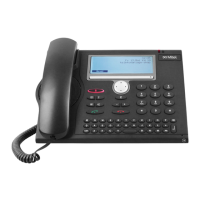
80 MiVoice 5380 / MiVoice 5380 IP
eud-1679/1.0 – R3.0 – 08.2015
Personalizing your phone
Menu
Press the Menu Foxkey.
Settings
Scroll to Settings and press the Select Foxkey.
Audio
Scroll to Audio and press the Select Foxkey.
Headset
Scroll to Headset and press the Modify Foxkey.
<Audio setting>
Activate/deactivate the headset mode and confirm with the Ok Foxkey.
➔The microphone is deactivated, is displayed.






 To Next Page