RS03/06-S/Q Hardware Manual RS03/06-S/Q Hardware Manual
19
9 / 28 / 2015
+86-400-820-9661
3. Installation/Connections
3.1 Connecting the Power Supply
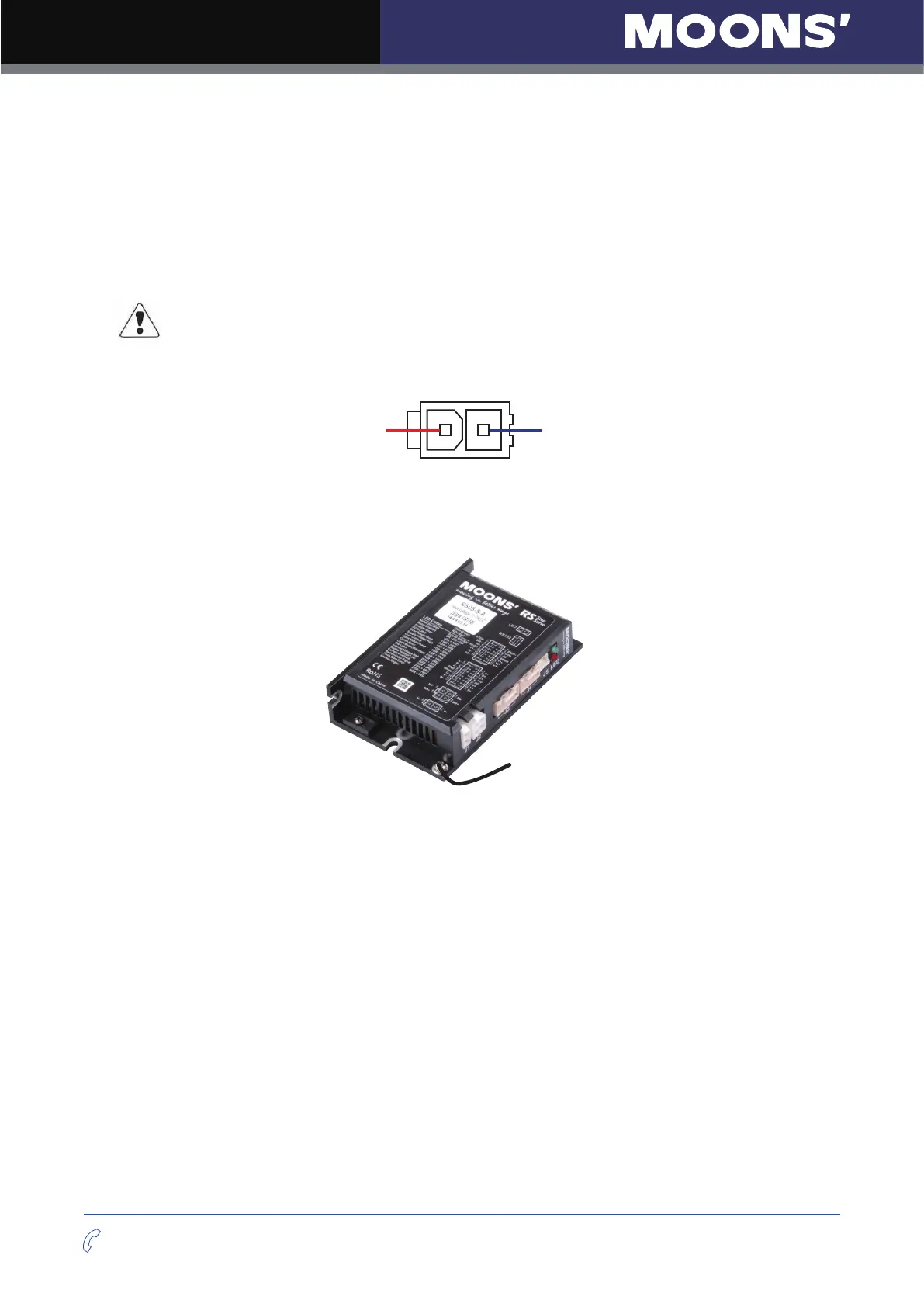
The RS series step servo drive and motor are shipped with a power cable, 2 meters long. Connect
the red wire to the positive of the power supply. Connect the black wire to the negative of the
power supply. Plug the cable into the power connector of the drive.
The red wire is connected to the V+ of the drive. The black wire is connected to the V- of the drive.
Be careful not to reverse the wires. Reversing the connection may open the
internal fuse on the drive and void the warranty.
2 1
V+ V -
Power Connector
Connect the chassis to the earth ground through the grounding screws.
To Earth Ground
The section entitled
“
2.3 Choosing a Power Supply
”
will help you to select a right power supply.












 To Next Page