12
Version 1.0
11/14/2023
STF-Multi axis Series Hardware Manual
400-820-9661
2.3 Installing Software
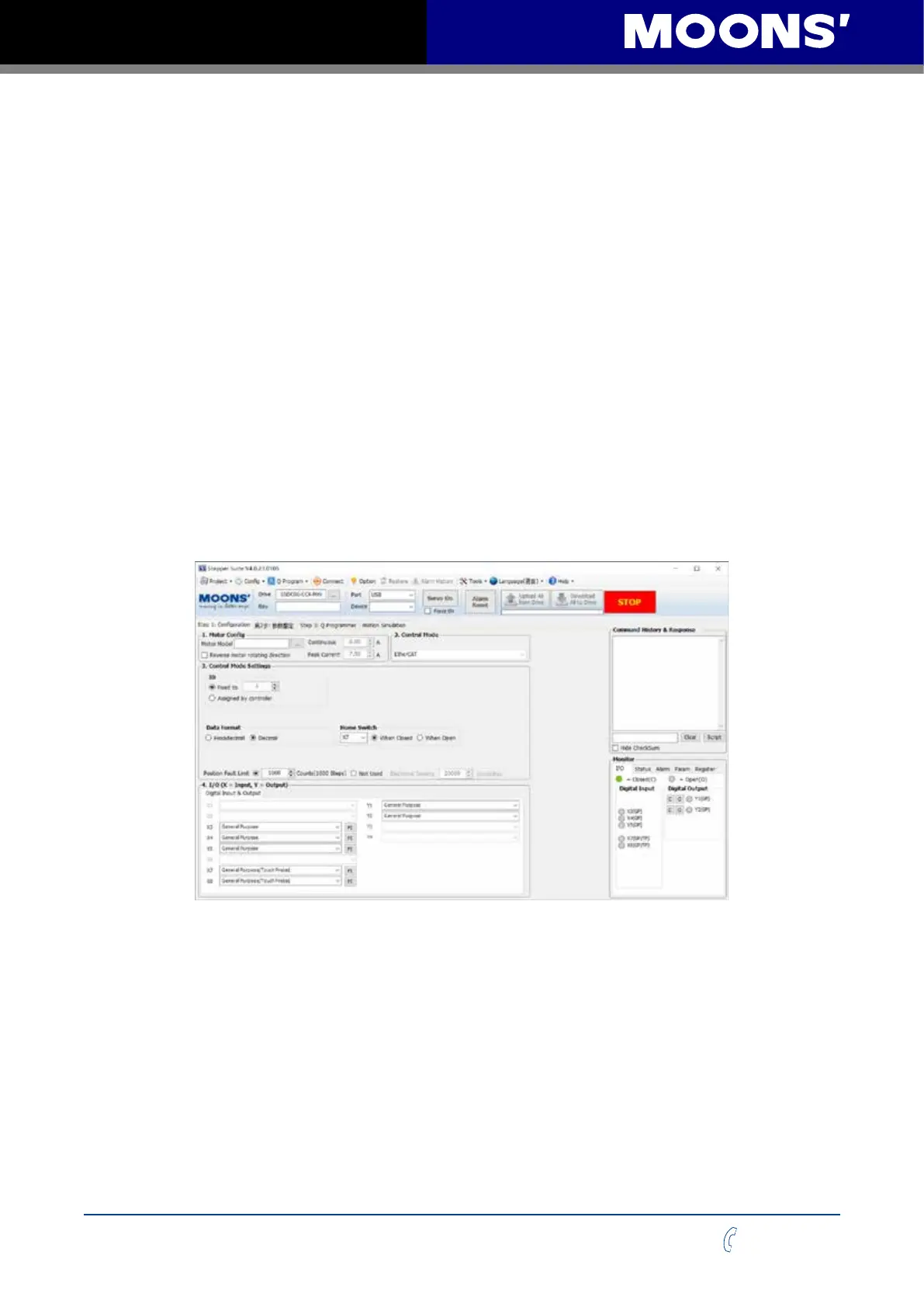
Stepper Suite is a PC-based stepper server application conguration and debugging software
that can be used to congure and set various operating modes, adjust servo tuning parameters,
and test and evaluate drive performance. The software has powerful functions, user-friendly
interface and easy operation. Simple gain adjustment, a variety of control function options, I/O
function Settings, motion trajectory simulation to provide customers with the most rich application
experience.
• Download and install the Stepper Suite software from the website of MOONS ‘(please click
https://www.moons.com.cn /support-training/tools/stepper suite to download the software)
• Click on Start/All Programs/MOONS ‘/ Stepper Suite to run the software (USB driver is already
integrated in the software installation package)
• Connect the drive to the computer via the USB mini communication cable, and note that USB
port is selected in the software port
• Connect the drive to the DC power supply
• Connect drive to motor Power on the drive software will automatically recognize the drive
model and rmware version, indicating that the drive is ready. Connectors and other important
information are shown below



 To Next Page