Page 14
FOLDING
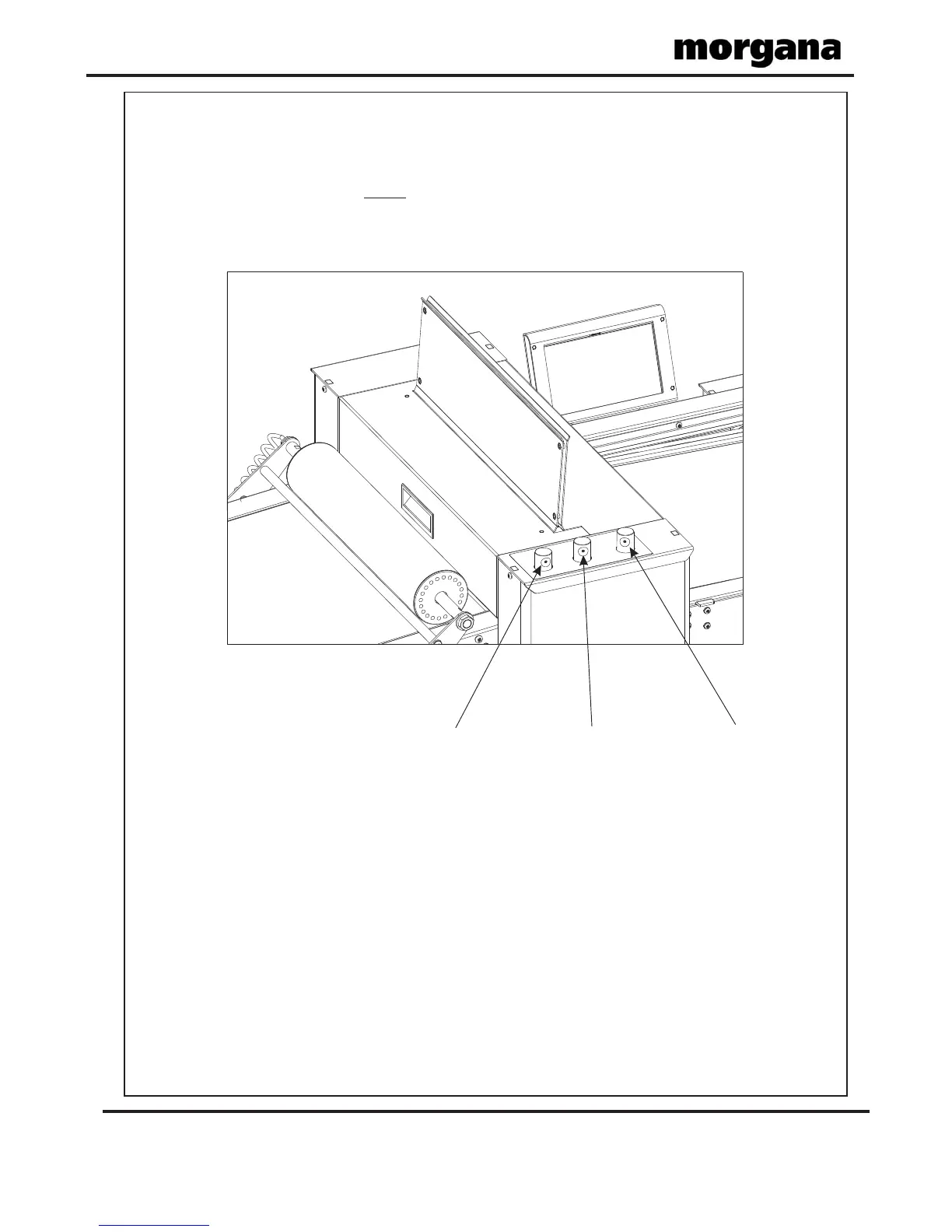
The gap settings (Gap 1, Gap 2 & Gap 3) can be adjusted by rotating the Roller Gap Set
Knobs (see FIG 14.1 below).
When setting roller gaps, you first adjust the gap to a value greater than that required
and then decrease the value to the required setting. (Do not set the gap, from a value lower
than that required).
(i) Measure the thickness of the sheet using a Digital Vernier Calliper.
(ii) Set roller GAP 1 to the vernier reading.
(iii) Set roller GAP 2 and roller GAP 3, (for the type of fold being produced), using the
GAP SET GUIDE table shown on next page.
IMPORTANT.
must
PROCEDURE.
Roller Gap 1
Knob
Roller Gap 2
Knob
Roller Gap 3
Knob
FIG 14.1
Operating the AutoFold Pro



 To Next Page