Trouble Shooting
Page 33
SYSTEM
Error Screens (continued)
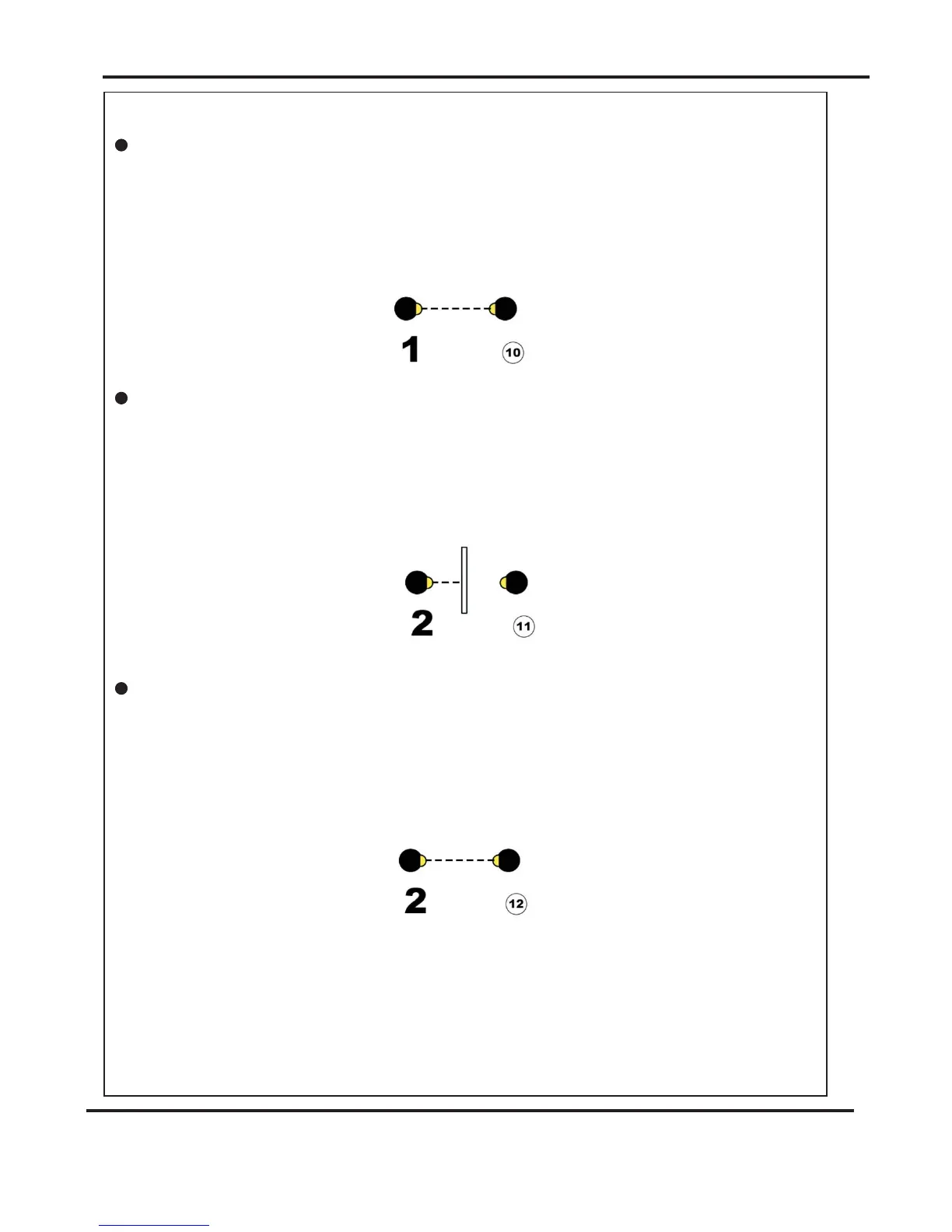
Clip 1 NOT Blocked
Clip 2 NOT clear
Clip 2 NOT Blocked
(Back Sensor)
(Top Sensor)
(Top Sensor)
If the machine stops and error message 10 is displayed on the touch screen, this
indicates that the sensor did not see the paper at the correct time.
i.e. A jam in the paper path.
To correct - Check if paper has jammed in the machine prior to the sensor.
See page 30 that describes how to remove paper jams.
If the machine stops and error message 11 is displayed on the touch screen, this
indicates that the sensor is or was blocked when it should have been clear.
i.e. A jam in the paper path or the wrong length of paper has passed through the
sensor.
To correct - check if paper is present and check that the paper path is clear before
restarting. See page 30 that describes how to remove paper jams.
If the machine stops and error message 12 is displayed on the touch screen, this
indicates that the sensor did not see the paper at the correct time.
i.e. A jam in the paper path.
To correct - Check if paper has jammed in the machine prior to the sensor.
See page 30 that describes how to remove paper jams.
AutoFold Pro



 To Next Page