FOLDING
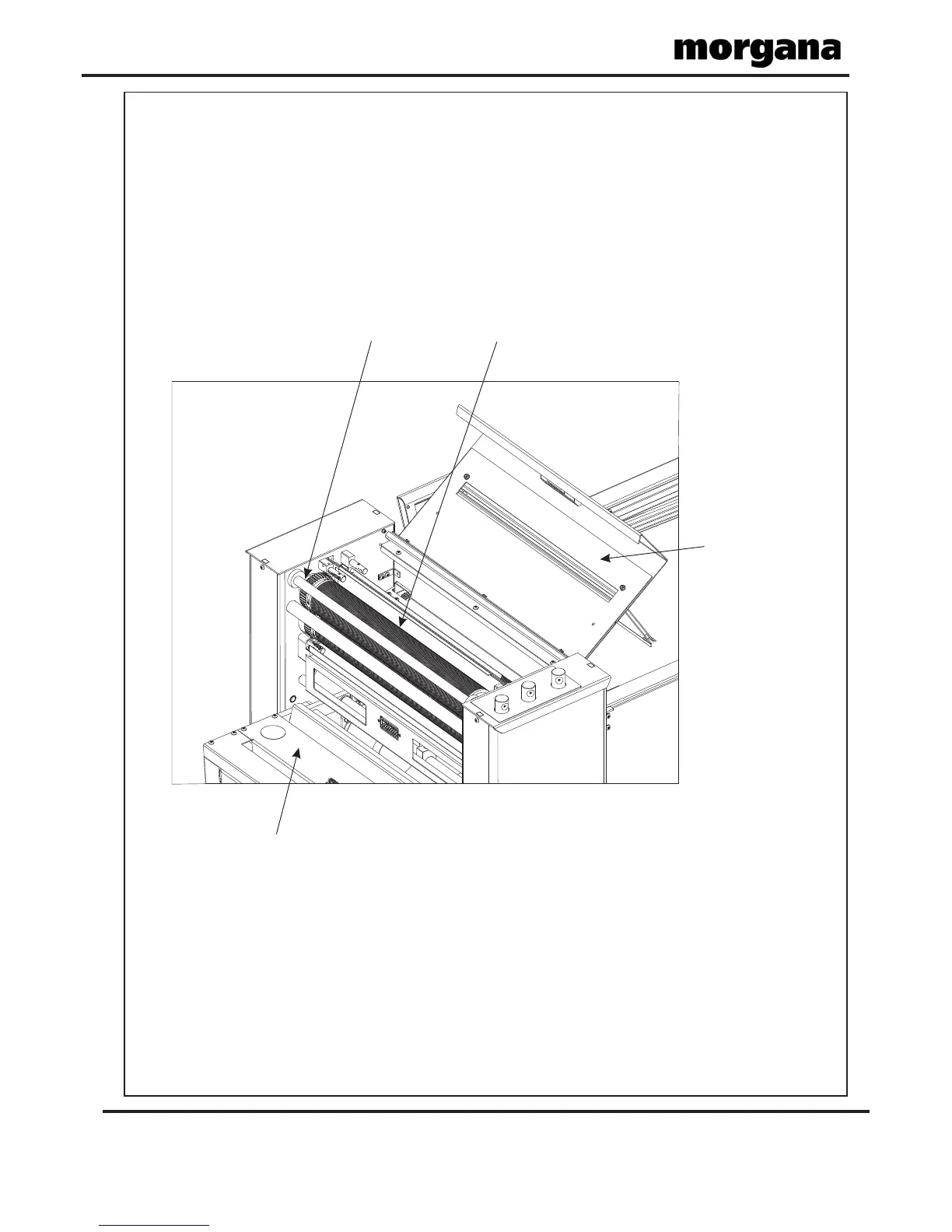
FIG 29.1
Delivery Unit
Top Cover
Top Fold Roller
Tie Bar
Page 30
Removing Paper Jams
Removing Paper Jams
In the event of a paper jam occurring, whilst running the machine, follow the steps
described below to allow access to remove the jammed paper.
1. Unlock and lower the delivery unit, open the top cover; see FIG 29.1 below.
2. If the paper is jammed in the fold rollers; try to rotate the top fold roller, using both
hands. Position the thumbs under the tie bar and spread the fingers out above the tie
bar.



 To Next Page