Page 16
FOLDING
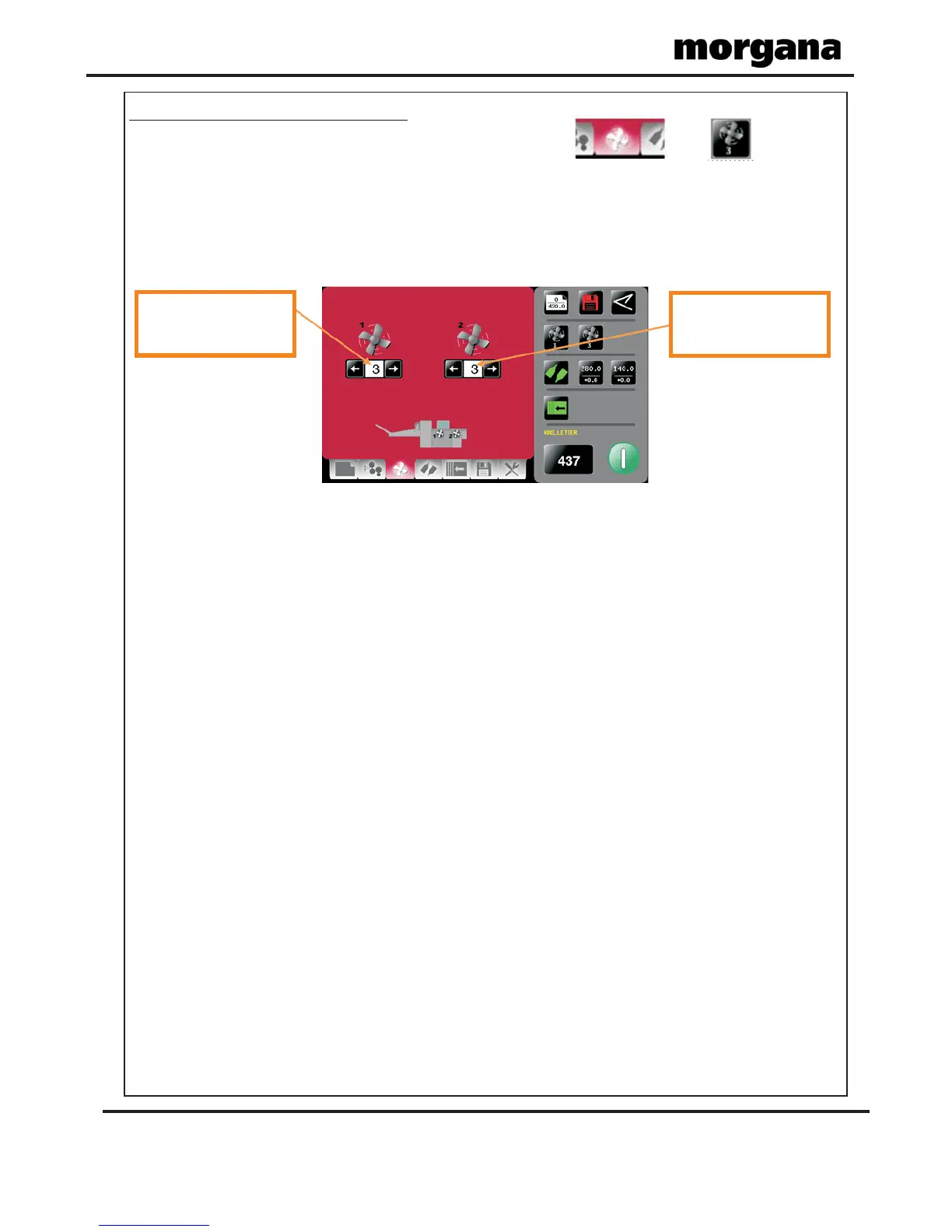
Feed Bed Fan Settings Pages.
To get to the fed bed fan setting page click the lower tab or from the
status area.
You can adjust the speed independently for the front and rear fans. On the optionally
available long feed bed, a centre fan is also shown for adjustment.
The fans perform the function of sucking the stock down onto the drive belts. The drive belts
then pull the stock against the rear side lay, so that the stock enters the folding mechanism
squarely.
When feeding light stocks, if the stock buckles reduce the speed of the front fan (Fan 1).
(0 = slowest speed, 3 = fastest speed)
When feeding heavy stocks, if the stock skews and is not pulled against the rear side lay
increase the speed of the front fan (Fan 1).
NOTE.
Operating the AutoFold Pro
Front fan speed adjust
select from0-1-2-3
Rear fan speed adjust
select from0-1-2-3



 To Next Page